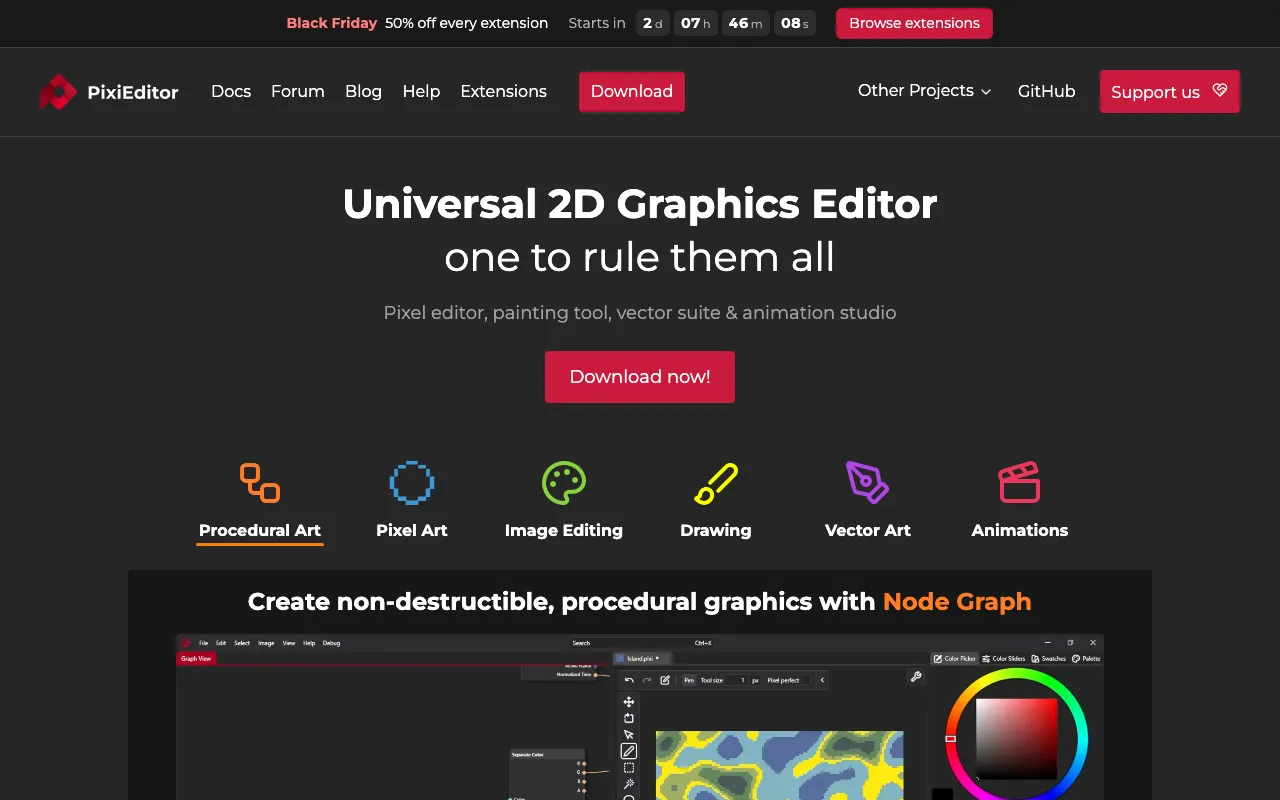
PixiEditor is a free, open-source desktop editor for pixel art, painting, vectors, image editing, and frame-by-frame animation. It runs offline and ships multiple toolsets on one canvas.
Overview
PixiEditor is a universal two-dimensional graphics editor aimed at game sprites, animations, logos, photos, and general drawing. It combines pixel art, painting, vector tools, and animation in one application with an interface meant to feel familiar to people coming from other graphics software.
Three default toolsets cover different workflows. Pixel art mode targets pixel-perfect work; painting mode offers soft brushes and anti-aliased shapes; vector mode provides shapes and paths. All toolsets can be used on the same document, mixing raster and vector content, and exports include PNG, JPG, SVG, GIF, MP4, and other formats.
Animation support includes a timeline for frame-by-frame work and node-based control for shader-driven motion. The node graph underpins layers, effects, and structure, so each document exposes connections that support procedural art and customized rendering.
The application is desktop-native, cross-platform, and works offline without AI-generated editing features. It is distributed as a downloadable app and is also available through channels such as Steam and the Microsoft Store.
Key features
- Pixel art toolset
- Painting brushes
- Vector shapes and paths
- Node graph workflow
- Frame-by-frame animation
- Mixed raster and vector canvas
- Multiple export formats
- Offline desktop use
Use cases
- Game sprite creation
- Pixel art artwork
- Logo and icon design
- Frame-by-frame animation
- Procedural graphics experiments


 CapCut