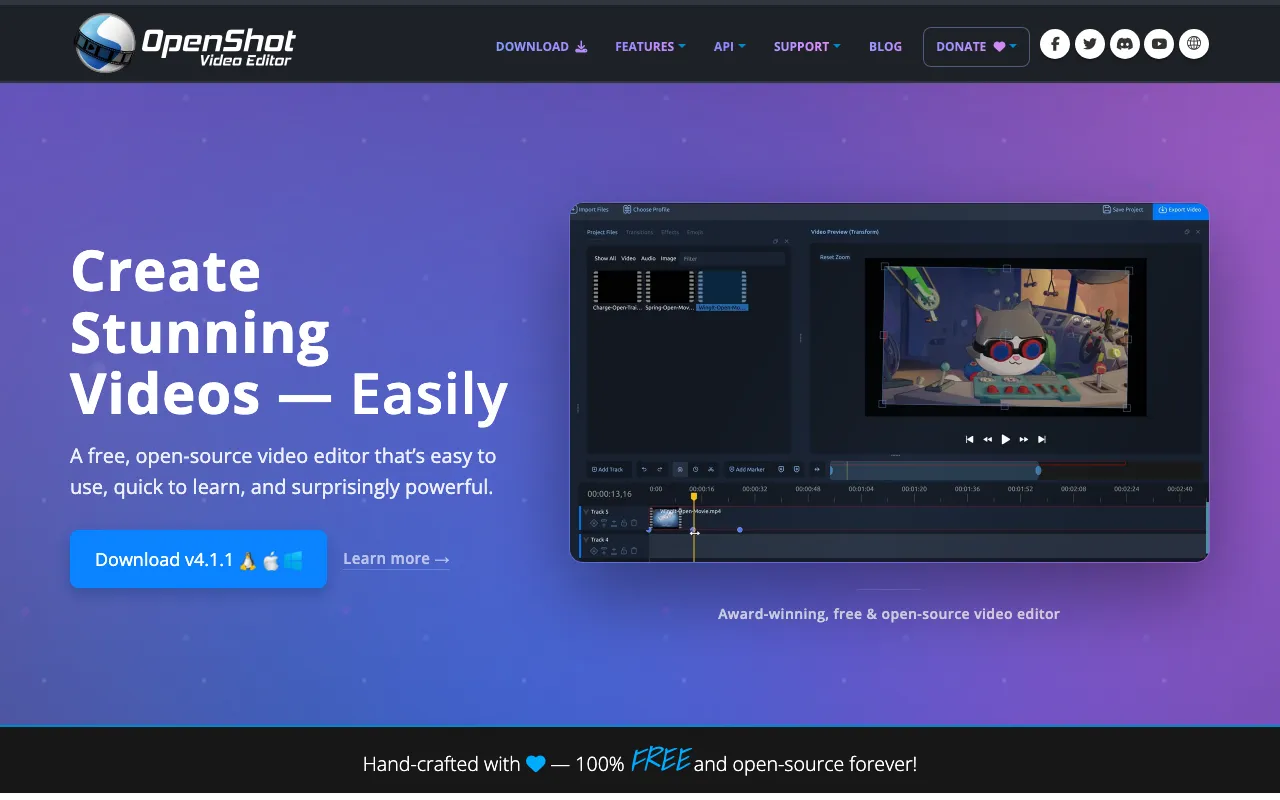
OpenShot Video Editor combines timeline editing, effects, titles, and animations for Linux, Mac, and Windows using FFmpeg-based media handling.
Overview
OpenShot Video Editor is a free, open-source video editing application for Linux, Mac, and Windows. It targets creators who want a downloadable editor for trimming, arranging, and exporting video projects without subscription limits described on the marketing site.
The timeline supports unlimited tracks, frame-accurate stepping, snapping, trimming, scaling, rotation, and speed changes on clips. Users can mix audio, apply transitions with previews, composite overlays and watermarks, and work with title templates, subtitles, and vector-friendly SVG credits.
Visual tooling includes curve-based keyframe animation, 2D image-sequence animation, 3D animated titles, chroma key and color adjustments, and experimental hardware-accelerated encode and decode paths. Recent feature messaging highlights color grading with scopes, interactive masks, lens flares, and audio-driven visualizations.
Media import and export lean on FFmpeg for broad format support, with options to move projects through common interchange formats. Pre-built installers are the recommended way to start, and the application is implemented primarily in Python with Qt bindings for the desktop interface.
Key features
- Unlimited timeline tracks
- FFmpeg-based format support
- Keyframe animation and transitions
- Chroma key and color effects
- Title and SVG credit creation
- Audio mixing and editing
- 3D animated titles
- Color grading and scopes
Use cases
- Home and hobby video projects
- YouTube and social clip editing
- Tutorial and presentation videos
- Animated titles and credits
- Multi-track podcast or vlog edits
Does the same job as
OpenShot doesn't name these products itself, but its own description shows it does the same job.

 CapCut