
Gemini CLI
Terminal AI agent for enterprise Gemini Code Assist
Gemini CLI is an open-source command-line agent for querying and editing codebases, running shell workflows, and connecting MCP tools under Gemini Code Assist on Google Cloud.
Unified command center for coding agents and machines
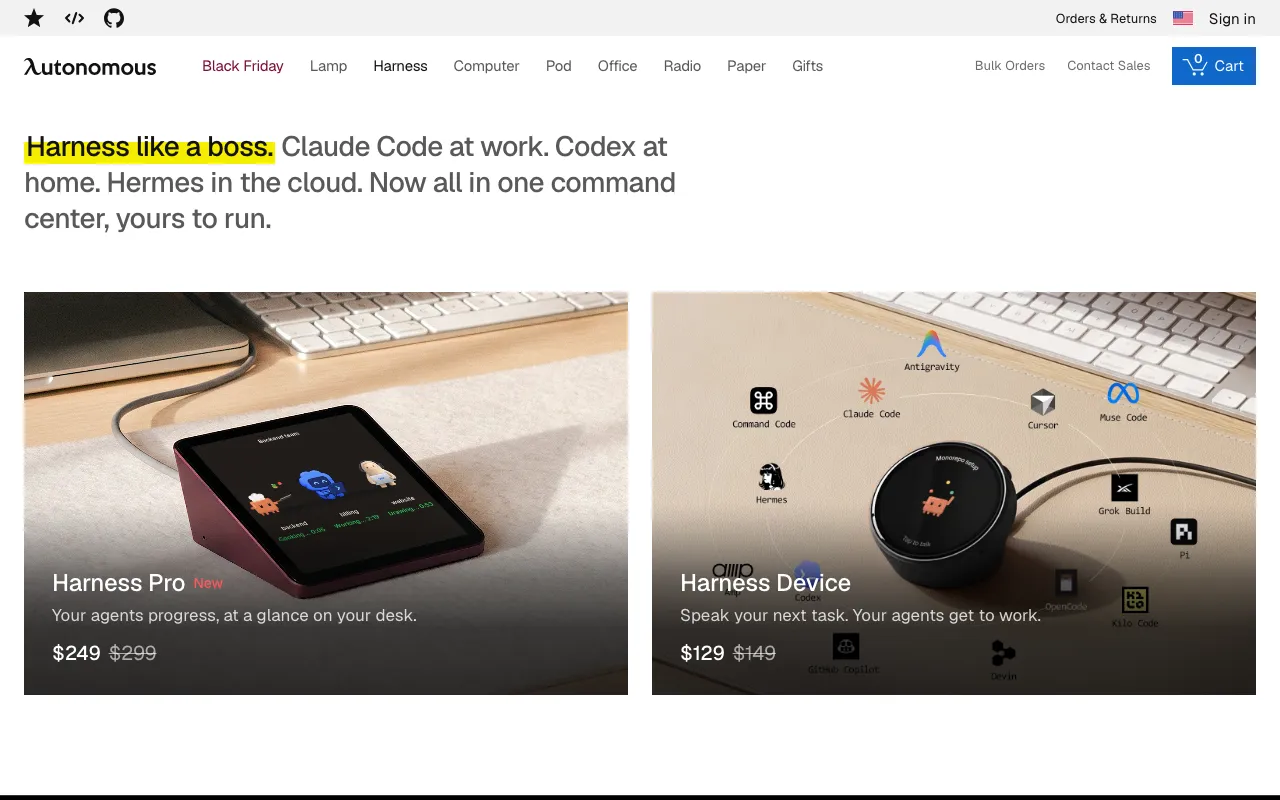
Harness is a native desktop workspace that runs many coding agents side by side across linked machines, with real tmux terminals and encrypted remote access.
Harness gives developers one place to run and watch coding agents such as Claude Code, Codex, Cursor, OpenCode, and others at the same time. Each agent runs in its own tmux pane with normal scrollback, colors, and key handling, without wrapping the vendor CLIs. You can group sessions in tabs, start agents on separate git worktrees, and remap keys from a JSONC file that reloads on save.
The app can link a laptop, home server, and other hosts in one window. A per-machine daemon dials out so machines do not need open inbound ports. Traffic uses end-to-end encryption with ChaCha20-Poly1305 and pinned identities; connections can go peer to peer over WebRTC, through Cloudflare TURN when firewalls block direct paths, or via a relay that forwards ciphertext without holding keys. Remote views stream terminal text, not pixels.
Beyond software, the product supports domain-specific harnesses from a Store: instructions, tools, and live viewers for areas such as CAD, circuits, robotics, games, music, chemistry, and documents. Users install harness packages and run them in the workspace. Optional local inference hooks integrate Grid, Ollama, MLX-LM, and vLLM on your own hardware.
An optional open-hardware desk device can show agent status, accept spoken tasks, and answer prompts on a small round display connected over USB. The stack includes the desktop app, CLI, daemon, relay, and device firmware as open source components.
Terminal AI agent for enterprise Gemini Code Assist
Gemini CLI is an open-source command-line agent for querying and editing codebases, running shell workflows, and connecting MCP tools under Gemini Code Assist on Google Cloud.

Terminal coding agent tuned for low-cost open models
A terminal-based coding agent aimed at inexpensive and open-weight language models. It reads and edits project files, runs sandboxed commands, and works with many model providers.
 Claude Code

Agentic development environment built around a modern terminal
Warp is an agentic development environment rooted in the terminal, with a built-in coding agent and support for external CLI agents.
Terminal runtime for long-running coding agents
Herdr is a terminal multiplexer and workspace manager built for coding agents. It keeps agent panes alive when you detach, reconnect over SSH, and coordinate work across machines.

Open-source agentic AI coding tool for terminal and beyond
Qwen Code is an agentic coding assistant you run from a terminal, editor, desktop app, browser shell, or chat channels. It edits files, runs commands, and connects to multiple model APIs and MCP servers.
Claude CodeClaude Code statusline for session visibility
Plugin that renders a customizable HUD under the Claude Code prompt showing model, context usage, rate limits, tools, agents, and todos. Configured via slash commands and a JSON settings file.