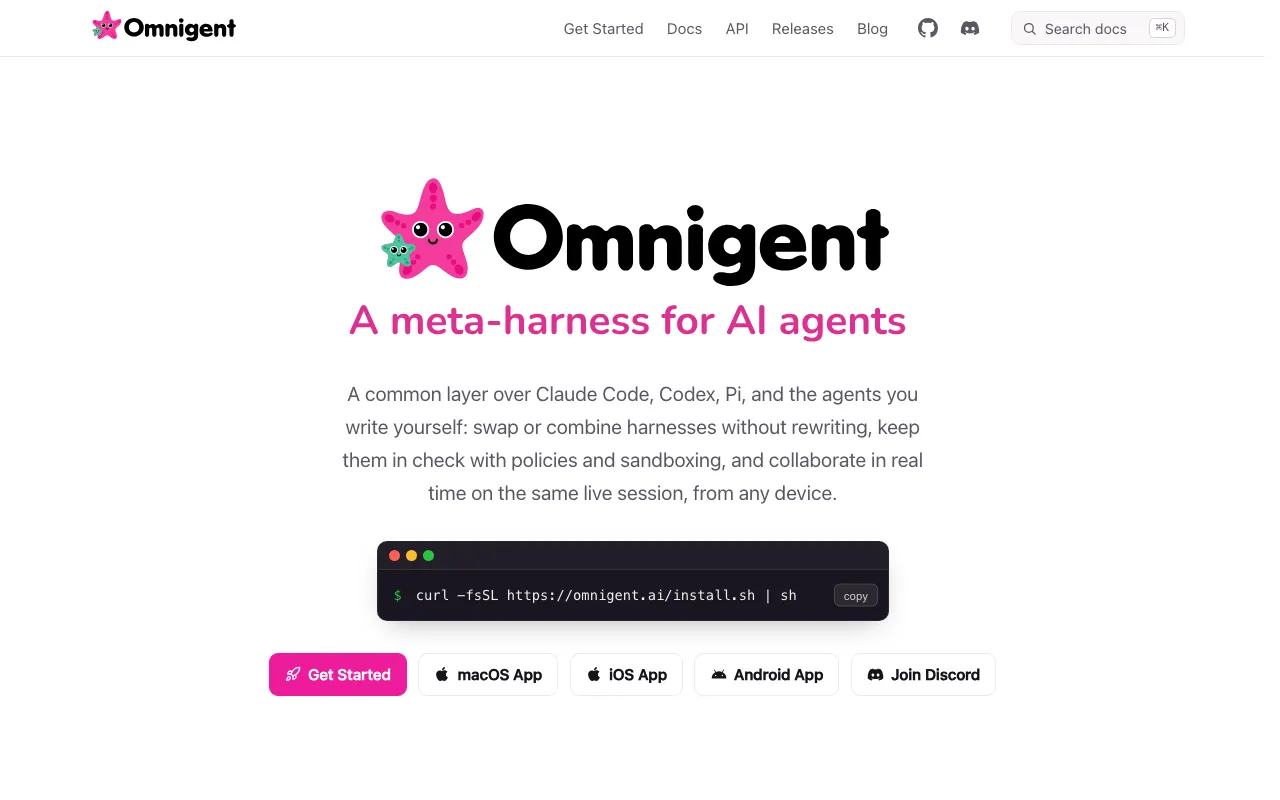
Omnigent is an open-source meta-harness that orchestrates coding and custom AI agents under one layer. It supports policies, sandboxes, and shared sessions across terminal, browser, and mobile.
Overview
Omnigent sits above agent runtimes such as Claude Code, Codex, Cursor, Pi, and YAML-defined custom agents. It is meant to let you swap or combine harnesses without rewriting workflows, while applying governance and running work in sandboxes.
A typical setup installs the Python package, starts a session from the command line, and opens a matching local web UI for the same session. Sessions can continue across terminal, browser, phone, and a native macOS desktop app, with messages, sub-agents, terminals, and files kept in sync.
Operators can mix multiple agents in one session, route models through first-party keys or compatible gateways, and define policies that pause risky actions, cap spend, or limit tools. Sandboxes range from local OS isolation on Linux and macOS to disposable cloud providers launched from the CLI or provisioned per session.
Collaboration features include sharing live sessions via URL so teammates can review, comment, or steer work. Built-in example agents and REST API access extend the same runner, server, and policy model described in the project docs.
Key features
- Unified orchestration over many agent harnesses
- Cross-device synced agent sessions
- Contextual spend and tool policies
- Local OS and remote cloud sandboxes
- Shared live sessions with full history
- YAML-defined custom agents
- Built-in Polly and Debby example agents
- Terminal, web, mobile, and REST access
Use cases
- Supervising multiple coding agents in one session
- Enforcing approval and spend guardrails
- Continuing agent work across devices
- Team review of live agent sessions
- Running agents in isolated sandboxes