Obsidian Export
CLI exporter from Obsidian vaults to CommonMark
Obsidian Export converts an Obsidian vault into standard Markdown. It resolves wikilinks and embeds and honors ignore rules on major desktop platforms.

Obsidian plugin for importing notes from other apps
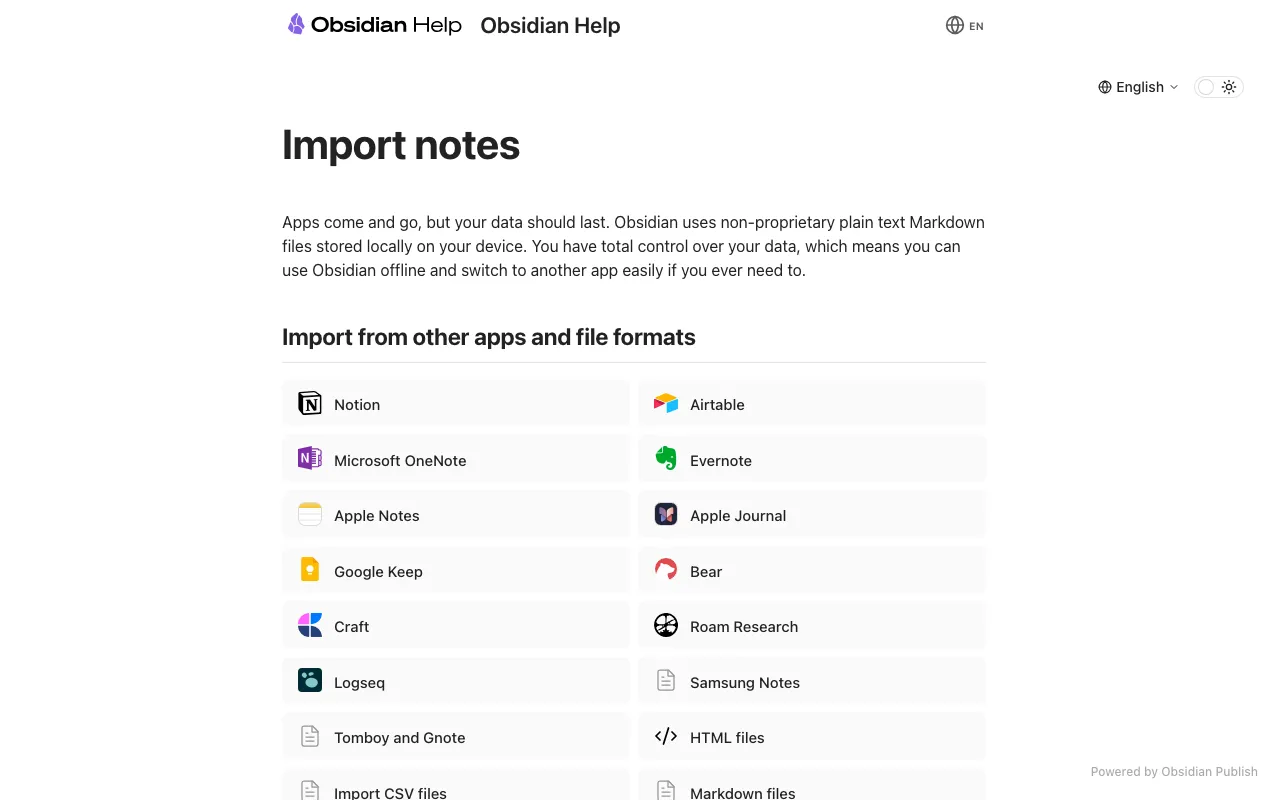
Community plugin for Obsidian that converts notes from many apps and file formats into Markdown in your vault.
Importer is an Obsidian community plugin that brings notes from other apps and export formats into an Obsidian vault as plain text Markdown files. It targets users who want local Markdown notes without manually retyping content when leaving another tool.
Supported sources include Apple Notes, Apple Journal, Bear, Evernote, Google Keep, Microsoft OneNote, Notion, Roam Research, Logseq, Airtable, Samsung Notes, Tomboy and Gnote, plus file-based paths such as CSV, HTML, Markdown, and Textbundle. Official import guides live on Obsidian Help; the plugin is community-led, with the core team welcoming contributions for new formats.
You enable Importer under Community Plugins in Obsidian settings, then follow the guide for each source format. Conversions aim to preserve note content in vault-native Markdown so it fits Obsidian’s local-first workflow.
Obsidian stores data as non-proprietary plain text Markdown on your device. Importer bridges migration from services that do not use that format natively, including proprietary note apps and structured exports.
CLI exporter from Obsidian vaults to CommonMark
Obsidian Export converts an Obsidian vault into standard Markdown. It resolves wikilinks and embeds and honors ignore rules on major desktop platforms.
Multi-platform knowledge base Markdown import and export
Wandao exports and imports Markdown between many note and wiki platforms while preserving structure, images, and attachments.

Self-hosted photo and video library with mobile backup
Immich backs up, organizes, and browses personal photos and videos on hardware you run. Mobile and web clients share albums, search, and face grouping.

Cross-platform local network file and message sharing app
LocalSend shares files and messages with nearby devices over your local network without internet. It uses HTTPS and works across desktop and mobile systems.

Continuous file synchronization between your computers
Syncthing keeps folders in sync across two or more computers automatically. It prioritizes data safety, security, and ease of use for individual users.

Bootable USB loader for ISO and disk images
Ventoy prepares a USB drive so you can copy ISO, WIM, IMG, VHD, and EFI files and pick them from a boot menu without reformatting for each image.
 Google Photos