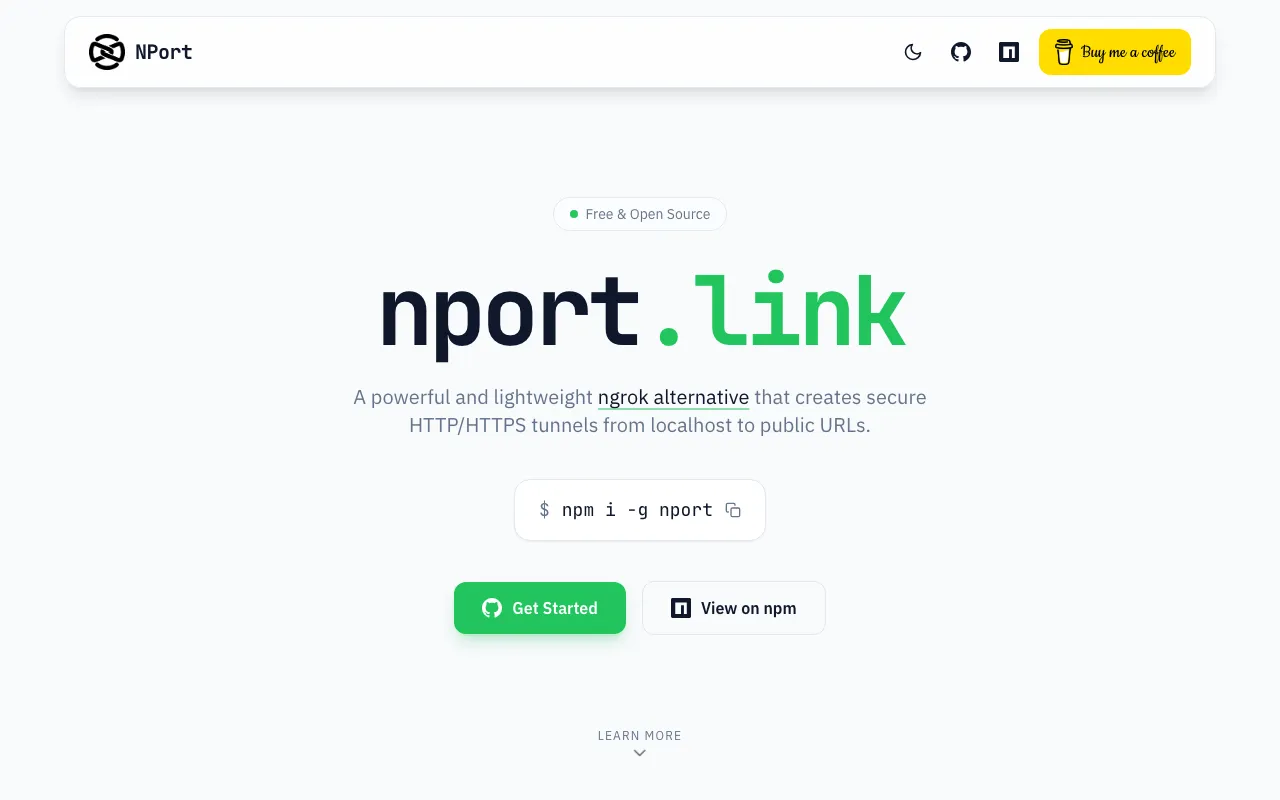
NPort exposes local HTTP or HTTPS ports through Cloudflare with one npm command, automatic TLS and optional custom subdomains.
Overview
NPort is a lightweight command-line tool that creates secure HTTP and HTTPS tunnels from localhost to public URLs using Cloudflare's edge network. It targets developers who want to share local servers, test webhooks or demo work without deploying.
Installation is through npm. You pass a local port and optionally a subdomain; NPort creates a Cloudflare tunnel, DNS record and cloudflared connection, then cleans up when you exit. WebSocket and server-sent events are supported.
The default shared backend is free and needs no account, though heavy shared use can hit Cloudflare API rate limits. You can point NPort at your own backend and Cloudflare account for higher capacity.
NPort runs on Windows, macOS and Linux with an English, Vietnamese or Spanish CLI interface.
Key features
- One-command localhost exposure via npm
- Custom subdomains on the shared nport.link domain
- Automatic HTTPS through Cloudflare
- WebSocket and SSE support
- Optional self-hosted backend configuration
- Automatic tunnel and DNS cleanup on exit
- Multilingual CLI in English, Vietnamese and Spanish
- Bring-your-own Cloudflare account in upcoming releases
Use cases
- Sharing a local dev server with teammates
- Receiving GitHub or Stripe webhooks on localhost
- Testing a web app on a phone against your machine
- Demoing progress without a full deployment
Open-source alternative to
Nngrok“NPort is a powerful, lightweight ngrok alternative that creates secure HTTP/HTTPS tunnels from your localhost to public URLs using Cloudflare's global edge network. No configuration, no accounts, just instant tunnels with custom subdomains!” source