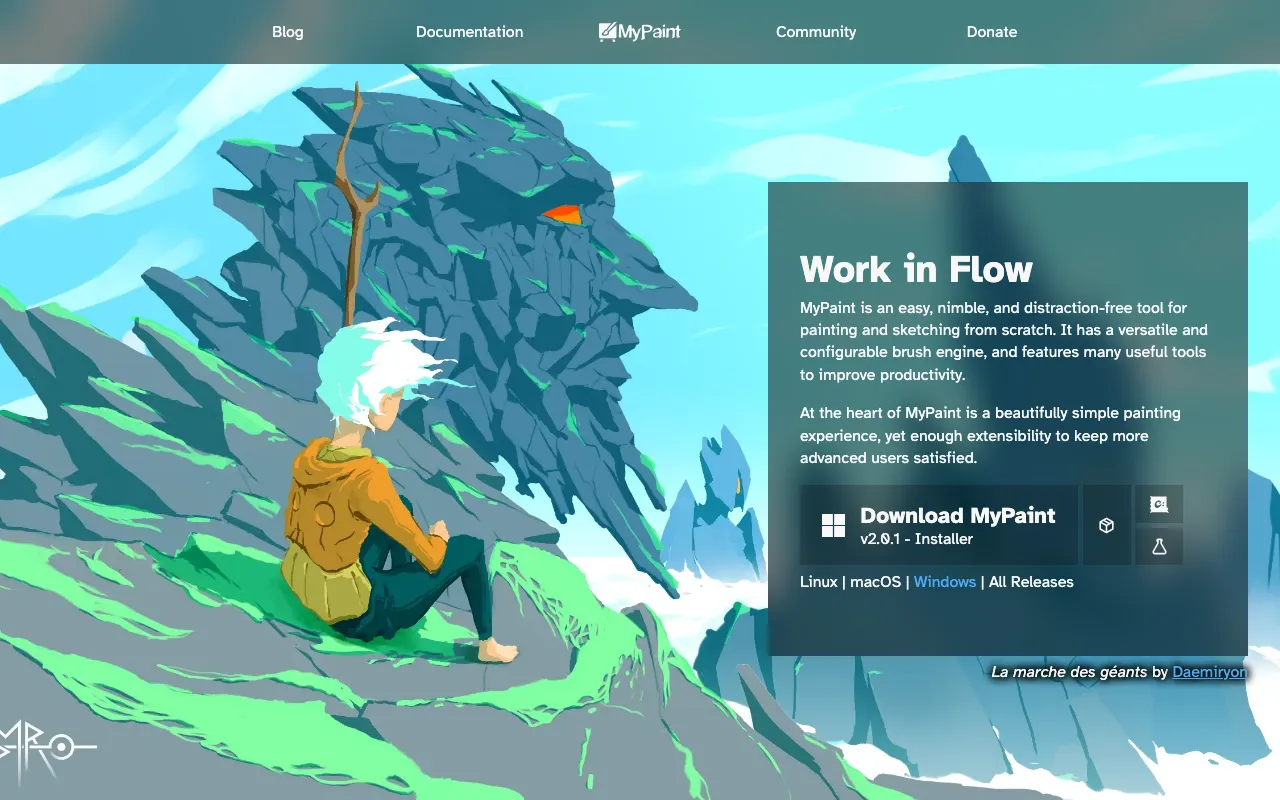
MyPaint is a simple painting and sketching program with a configurable brush engine, tuned for graphics tablets and focused creative work.
Overview
MyPaint is a nimble desktop tool for painting and drawing from scratch. It emphasizes speed and a minimal interface so artists can stay on the canvas, with fullscreen mode to hide chrome until tools are needed.
The brush engine is highly configurable and ships with brushes that mimic charcoal, pencil, ink, and paint. Users can author new expressive brushes. The canvas can scroll without fixed edges, strokes store brush settings, and layers support groups and blend modes. A pigment-oriented color model uses 15-bit Rec 709 linear RGB.
Graphic tablet support is a core focus, matching how the app is described for Wacom-style hardware. Standard packages and installers are published for Windows, Linux AppImages, and macOS, with optional nightly builds for testers.
MyPaint relies on the libmypaint rendering library and shared brush libraries. The project is community-maintained volunteer software aimed at digital artists who want open-source tooling without subscription lock-in.
Key features
- Infinite scrolling canvas
- Configurable realistic brush engine
- Fullscreen distraction-free mode
- Graphics tablet oriented input
- Layers with groups and modes
- Per-stroke brush metadata
- 15-bit linear RGB color pipeline
- Traditional media brush presets
Use cases
- Digital illustration from scratch
- Tablet-based sketching sessions
- Expressive custom brush experiments
- Layered concept art painting
- Focused fullscreen art workflow
 CapCut