nvm
POSIX shell version manager for Node.js
nvm installs and switches between Node.js versions from the command line on POSIX shells including bash and zsh.

Microsoft Build Engine for .NET and Visual Studio projects
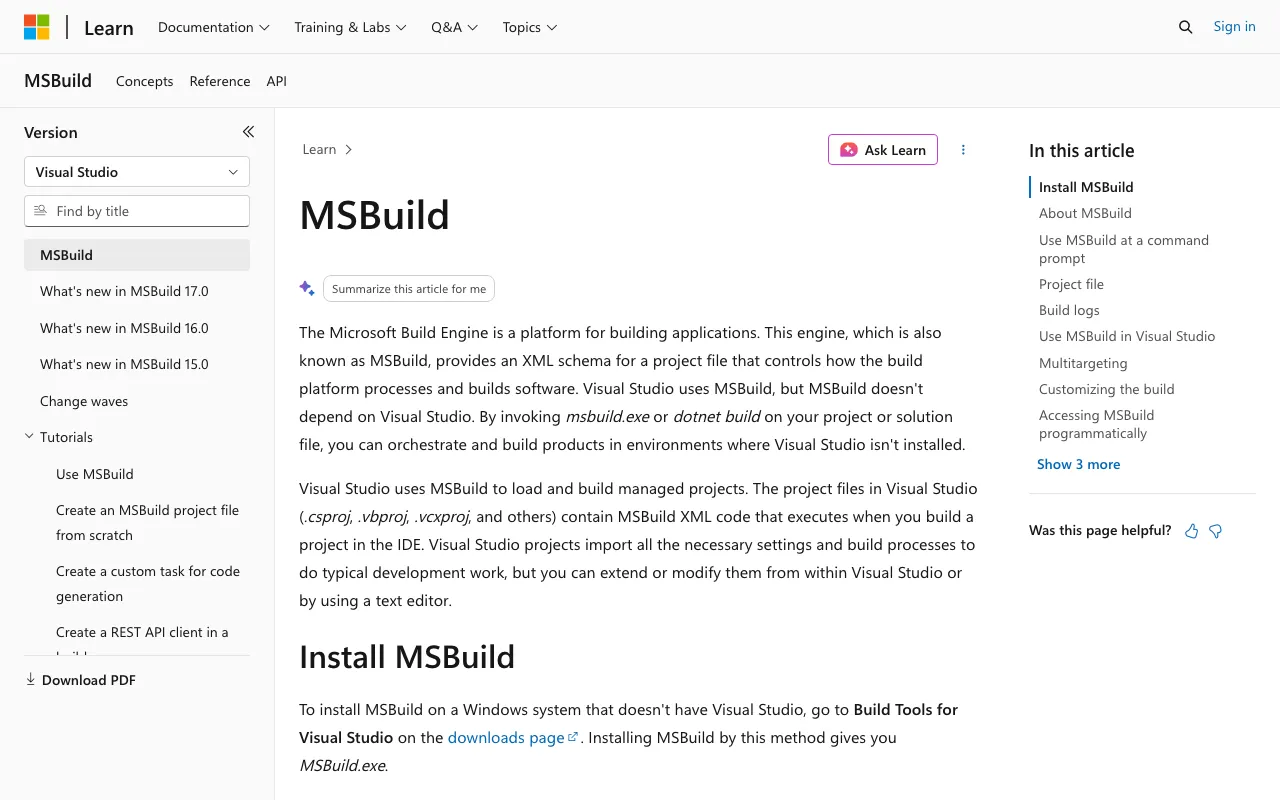
MSBuild is Microsoft’s build engine platform. It uses XML project files to orchestrate compilation and packaging, runs via MSBuild.exe or dotnet build, and works with or without Visual Studio.
MSBuild (the Microsoft Build Engine) is a platform for building applications from XML project and solution files. Visual Studio relies on it, but you can invoke MSBuild.exe or dotnet build on machines that never installed the IDE.
Project files describe items to build, properties, tasks, and targets. SDK-style projects reference frameworks like the .NET SDK, which import standard props and targets implicitly. You can extend or override build steps from Visual Studio or a text editor.
Command-line builds accept project files with options to set properties, run specific targets, and control parallelism. On Windows without Visual Studio, Build Tools for Visual Studio deliver MSBuild.exe; on macOS, Windows, or Linux the .NET SDK exposes dotnet build as a thin wrapper over the .NET Core MSBuild.
Namespaces in the product expose programmatic access to the engine, tasks, loggers, and shipped build tasks. Documentation covers walkthroughs, property and item syntax, localized builds, and integration with pipelines that compile code using MSBuild.
POSIX shell version manager for Node.js
nvm installs and switches between Node.js versions from the command line on POSIX shells including bash and zsh.

Fast Python package and project manager
uv is a Rust-based tool that manages Python dependencies, virtual environments, scripts, and interpreters. It offers a pip-compatible interface and universal lockfiles for projects.

Go-based static site generator with flexible templating
Hugo is a static site generator written in Go. It turns content and templates into deployable HTML sites with asset pipelines for CSS, JavaScript, Sass, and images.

Frontend build tool for modern web projects
Vite is a build tool for modern web projects, combining a development server with an optimized production build. It targets a faster, leaner local development workflow.

Local runner for GitHub Actions workflows
A command-line tool that executes GitHub Actions workflows on your machine using Docker. It mirrors GitHub’s environment for faster feedback while editing workflow files.

Modular toolkit for assembling container systems
Moby bundles container build, runtime, registry, and orchestration components so integrators can craft custom container platforms instead of using a single fixed product.