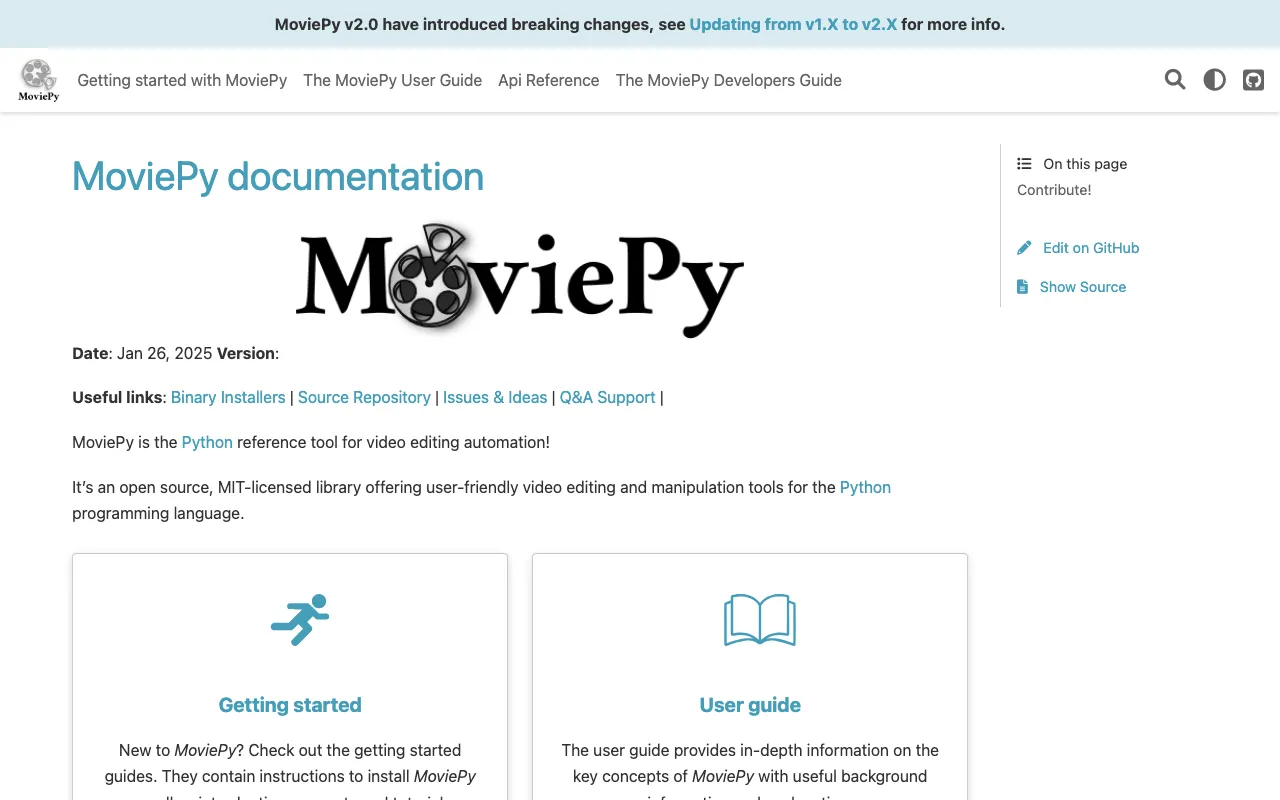
MoviePy is a Python package for cuts, compositing, titles, and custom video effects. It reads and writes common audio and video formats including GIF on Windows, Mac, and Linux.
Overview
MoviePy helps you automate video editing from Python code. You can trim clips, concatenate segments, overlay titles, blend tracks with transparency, and apply custom effects without a traditional timeline editor.
Under the hood it loads frames, images, and audio into NumPy arrays so you can reason about pixels and sound in code. Built-in effects illustrate how to define transformations in a few lines. You can merge clips side by side or on top of each other, then export to formats such as MP4, WebM, or GIF.
The design favors flexibility and approachability over raw speed compared with calling FFmpeg alone, because data is imported and exported through Python objects. Typical workflows install the package with pip and optional FFmpeg for encoding and preview.
Documentation covers getting started, user concepts, and API reference for editors who already know Python and want repeatable export pipelines.
Key features
- Cut and concatenate video clips
- Title and text overlays
- Compositing with transparency
- Custom effects on NumPy frame data
- Common audio and video formats
- GIF import and export
- Mix clips side by side or stacked
Use cases
- Automate batch video exports
- Build programmatic highlight reels
- Prototype effects in Python
- Generate titled clips from templates

 CapCut