
Ghidra
NSA software reverse engineering and disassembly analysis suite
Ghidra is an NSA Research Directorate SRE framework with disassembly, decompilation, graphing, and scripting for analyzing compiled code on Windows, macOS, and Linux.

Markdown and CommonMark linting for Visual Studio Code
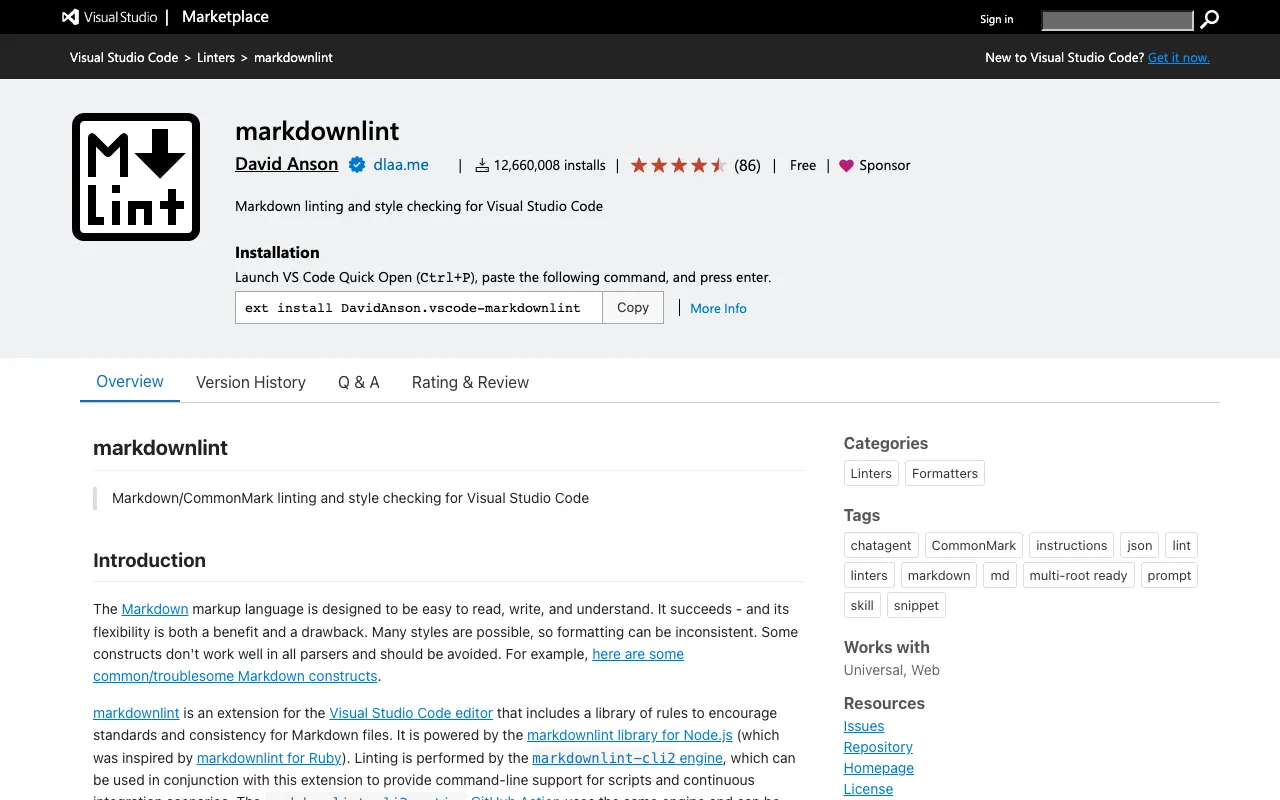
The markdownlint VS Code extension checks Markdown style and structure with many rules, quick fixes, formatting, and workspace-wide linting.
markdownlint is a Visual Studio Code extension that lint-checks Markdown and CommonMark files using a large library of rules. It highlights inconsistencies such as heading structure, list indentation, trailing spaces, bare URLs, and spacing around fences, with rule IDs shown as MD### warnings in the editor.
While editing, violations appear as wavy underlines and in the Problems panel. Quick fixes and the extension’s format commands can automatically correct many rules. A fix-all command and save-time code actions can apply batches of fixes, which you can undo normally.
Linting uses the markdownlint-cli2 engine, the same engine as the standalone CLI and a related GitHub Action, so project config can align between editor and automation. Rules are configured via .markdownlint.json, YAML, JavaScript, or markdownlint-cli2 config files, plus optional VS Code user or workspace settings.
Workspace linting runs all Markdown files through the CLI engine and surfaces results in a terminal and the Problems panel. You can toggle linting off temporarily, customize which globs are included, and open or create a config file from a command when a workspace has no config yet.
NSA software reverse engineering and disassembly analysis suite
Ghidra is an NSA Research Directorate SRE framework with disassembly, decompilation, graphing, and scripting for analyzing compiled code on Windows, macOS, and Linux.

Feature-rich hex editor for reverse engineering and binary analysis
ImHex is a desktop hex editor aimed at reverse engineers and developers. It combines editing, pattern-based parsing, visualization, and disassembly in one interface.
Opinionated multi-language code formatter
Prettier enforces consistent style by parsing code and reprinting it with fixed rules and line wrapping. It supports many web and data languages.
Dex and APK to Java decompiler tools
Jadx turns Android Dex, APK, and related packages into readable Java source. It offers a command-line tool, a GUI, and resource decoding with an optional deobfuscator.

Opinionated Python code formatter
Black reformats Python source in place with consistent PEP 8-oriented style and limited configuration. It runs from the command line, supports Jupyter notebooks optionally, and reads defaults from pyproject.toml.
Static analysis and linting for Bash shell scripts
ShellCheck scans bash shell scripts for syntax, semantic, and portability problems. It is available as a CLI tool, editor integration, web paste interface, and CI hook.