Kubo is the widely used IPFS node: a daemon with CLI, HTTP gateway, and RPC API for content-addressed storage and retrieval. It supports Bitswap, UnixFS, routing, and optional FUSE mounts.
Overview
Kubo was the first IPFS implementation and remains the most common one. It provides an opinionated stack for content addressing: UnixFS for files and directories, HTTP gateways for browsers, Bitswap and HTTP for verified transfers, plus a command-line ipfs tool and HTTP RPC API to control the daemon.
Running a node means initializing a local repository, starting ipfs daemon, and joining the libp2p network to add, pin, and fetch content by CID. The gateway serves retrieved data over HTTP locally by default; the RPC API exposes admin-level control and must not be exposed publicly without hardening. HTTP Routing V1 client and server features support delegated routing, and experimental FUSE can mount /ipfs, /ipns, and /mfs paths.
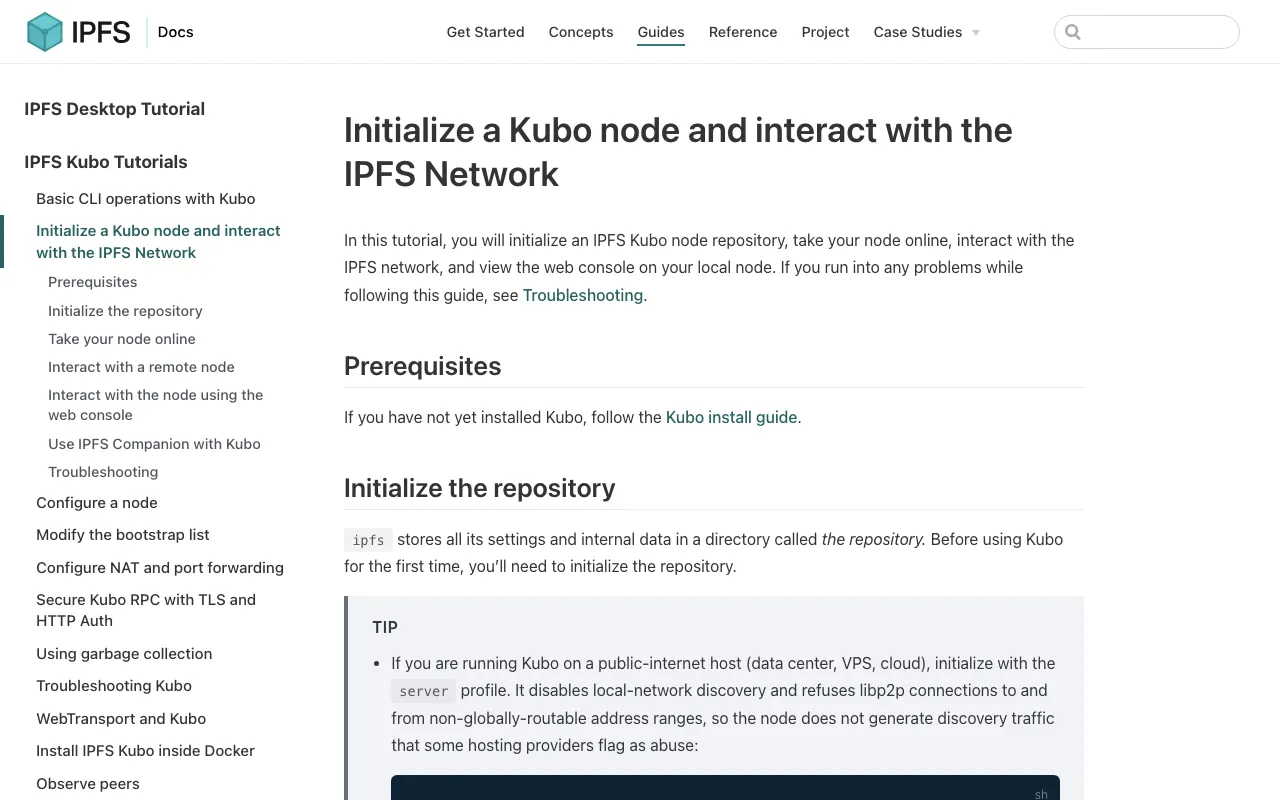
Operators can install via prebuilt binaries, official Docker images, package managers, or source builds. Documentation covers gateway modes, metrics, content blocking for public nodes, and profiles such as server for VPS deployments. IPFS Desktop and IPFS Companion are suggested for GUI-oriented users.
Hardware guidance recommends sufficient RAM for large pinsets because reproviding to the DHT is memory-intensive. Kubo runs on most Linux, macOS, and Windows systems.
Key features
- ipfs CLI and daemon
- HTTP gateway for CIDs
- HTTP RPC API for control
- UnixFS add and cat workflow
- Bitswap and verifiable transfer
- HTTP Routing V1 support
- Experimental FUSE mounts
- Content blocking for public nodes
Use cases
- Self-hosted IPFS pinning
- Local HTTP gateway for CIDs
- Participating in the IPFS DHT
- Content-addressed app backends
- Dockerized IPFS nodes




 Google Photos