Lazygit
Terminal user interface for everyday Git workflows
Lazygit wraps common Git operations in a keyboard-driven terminal UI. You can stage partial changes, rebase, cherry-pick, and inspect history without memorizing fragile command sequences.

Git-compatible version control with a simplified snapshot model
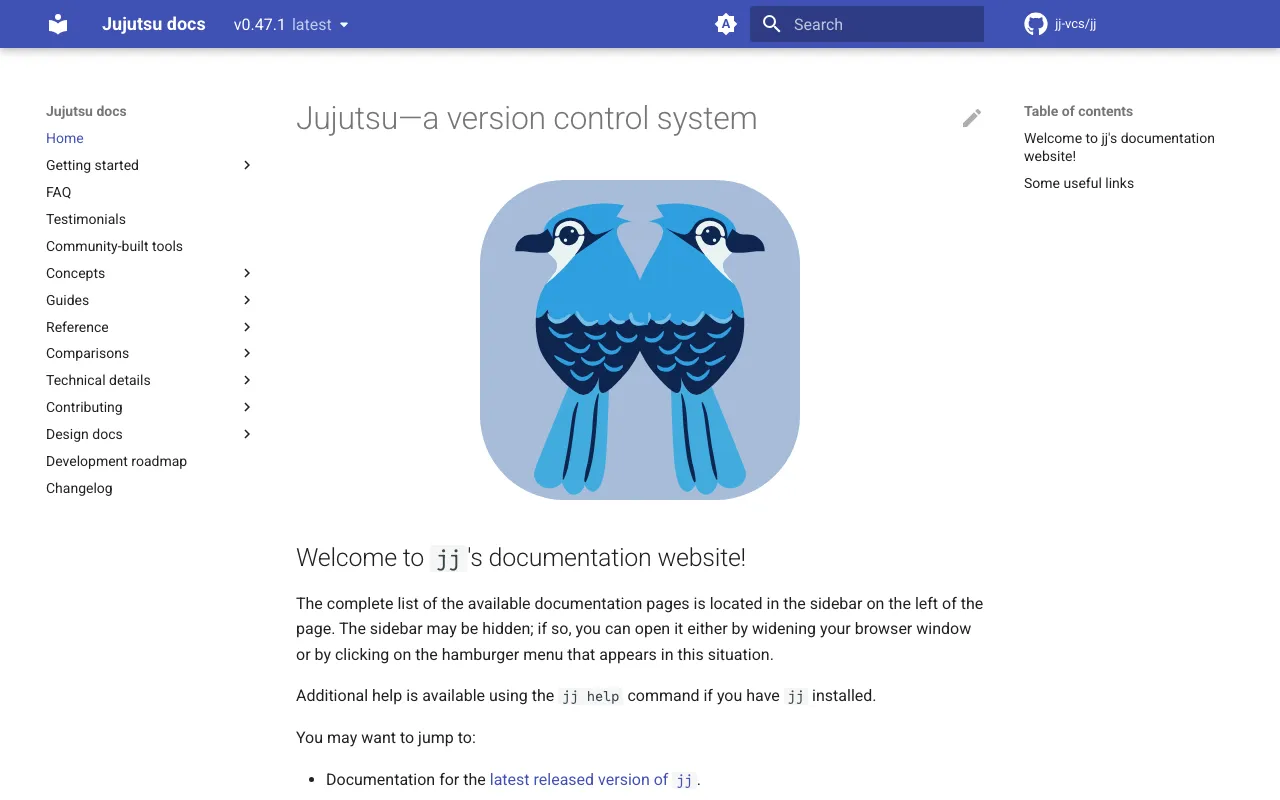
Jujutsu (jj) is a version control system for tracking, sharing, and publishing code changes. It uses Git repositories as its production storage backend while keeping branches and other metadata outside Git.
Jujutsu is a VCS meant to be approachable for newcomers and workable for large teams and long histories. Its design separates the user interface and algorithms from physical storage, with a Git backend today so commits and files interoperate with Git remotes and forges.
The working copy is represented as a normal commit that most commands amend automatically, which avoids a separate index or stash in typical workflows. Conflicts are first-class in the model and can be recorded inside commits so operations complete and resolution can happen later.
An operation log records repository actions with state snapshots, enabling undo and debugging of how a repo reached its current state. When you rewrite a commit, descendants rebase automatically and conflict resolutions can propagate.
The jj command-line tool is the primary interface. You can fetch and push to Git remotes, colocate jj and git in one workspace, and explore GitHub repos with jj. Git compatibility is stable for daily use, though some features such as Git submodules are still incomplete.
Terminal user interface for everyday Git workflows
Lazygit wraps common Git operations in a keyboard-driven terminal UI. You can stage partial changes, rebase, cherry-pick, and inspect history without memorizing fragile command sequences.

Self-hosted Git forge with CI/CD and packages
Gitea is an all-in-one software development service you can run on your own infrastructure. It combines Git hosting with issues, reviews, project boards, package registries, and Gitea Actions CI/CD.
Self-hosted Git service with web collaboration tools
Gogs hosts Git repositories over SSH and HTTP(S) and adds issues, pull requests, wikis, and organization features through a browser UI.
Official GitHub terminal client
GitHub CLI brings issues, pull requests, and other GitHub workflows to the terminal beside git. It works with GitHub.com, Enterprise Cloud, and supported Enterprise Server deployments.

End-to-end developer platform with SCM, CI/CD, and registries
Harness Open Source combines code hosting, automated DevOps pipelines, hosted development environments called Gitspaces, and artifact registries in one platform.
Lightweight native Git hooks for Node projects
Husky wires Git hooks so teams can lint commit messages, run tests, or check code on commit and push. It uses core.hooksPath, stays around two kilobytes gzipped, and supports macOS, Linux, and Windows.