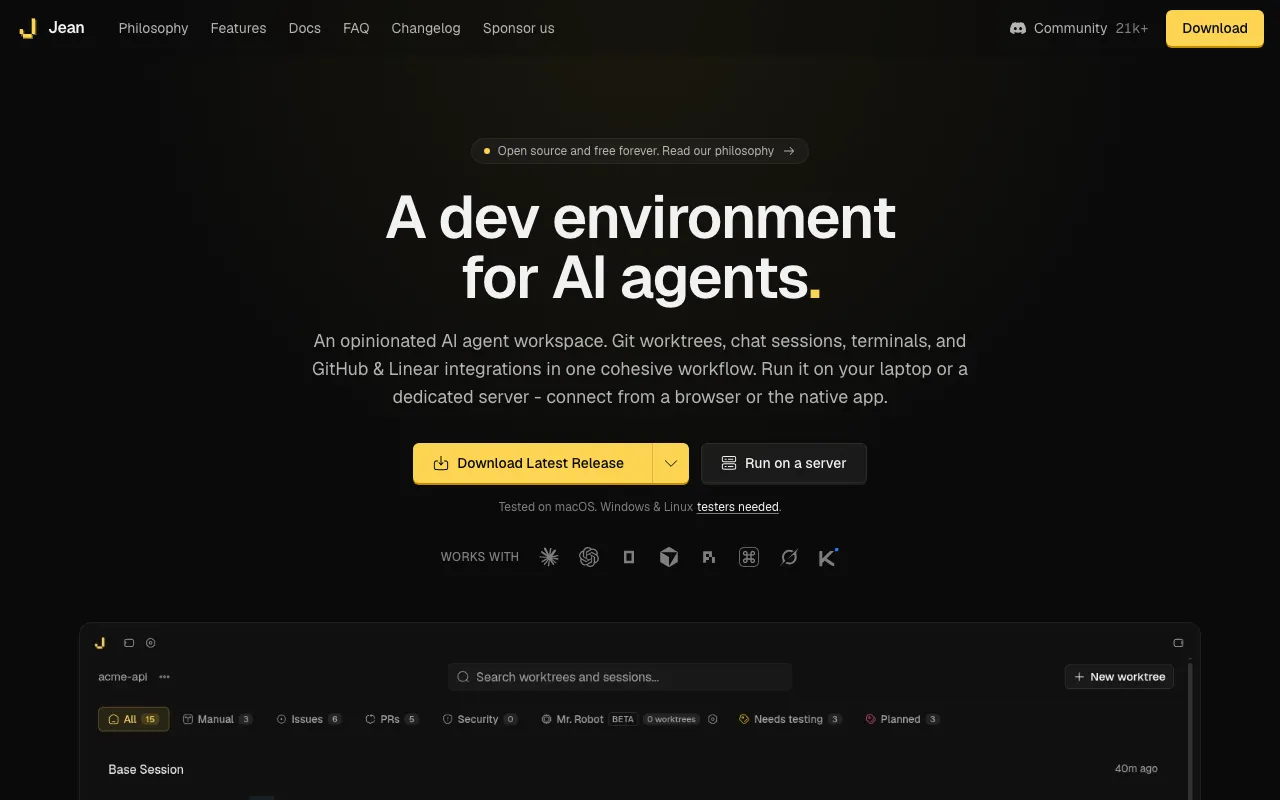
Jean is a dev environment for AI coding agents. Each task runs in its own git worktree on your laptop or a Linux server, with browser or native app access.
Overview
Jean is an opinionated workspace for AI-assisted development. It ties git worktrees, chat sessions, terminals, and integrations with GitHub, Linear, and Sentry into one workflow. Every task gets an isolated worktree so multiple agents can run in parallel without stepping on each other.
You can install it as a native desktop application on macOS, Windows, or Linux, or run headless jean-server on Linux and connect from the desktop app or a browser. The desktop sidebar can list local projects and remote servers together, grouped by host, and sessions run on whichever machine owns the project.
Supported backends include Claude, Codex, Cursor, OpenCode, Pi, Command Code, Grok, Kimi Code, and others, using your own CLI tools and subscriptions. Magic commands and prompts help with reviews, commits, pull requests, merge conflicts, and release notes, and optional plugins such as RTK and Caveman aim to reduce token use.
Every instance can expose the full UI over HTTP and WebSocket with token authentication, including from phones on the LAN. Docker images are published for jean-server, and remote installs over SSH are supported from the desktop app.
Key features
- Git worktree automation per task
- Parallel AI agent sessions
- GitHub, Linear, and Sentry integrations
- Multi-dock terminal and diff review
- Magic commands for git and PR workflows
- Headless jean-server for Linux
- Browser Web Access with token auth
- Multiple remote servers in one sidebar
Use cases
- Parallel AI coding on isolated branches
- Remote agent work on a Linux server
- Code review with line comments in diffs
- Starting sessions from issues or Linear tickets
- Accessing the workspace from a phone browser



 Claude Code