
Oh My Zsh
Community zsh configuration framework with plugins
Oh My Zsh manages zsh setup with bundled plugins, themes, and an installer driven by curl, wget, or fetch.

Feature-rich terminal emulator for macOS
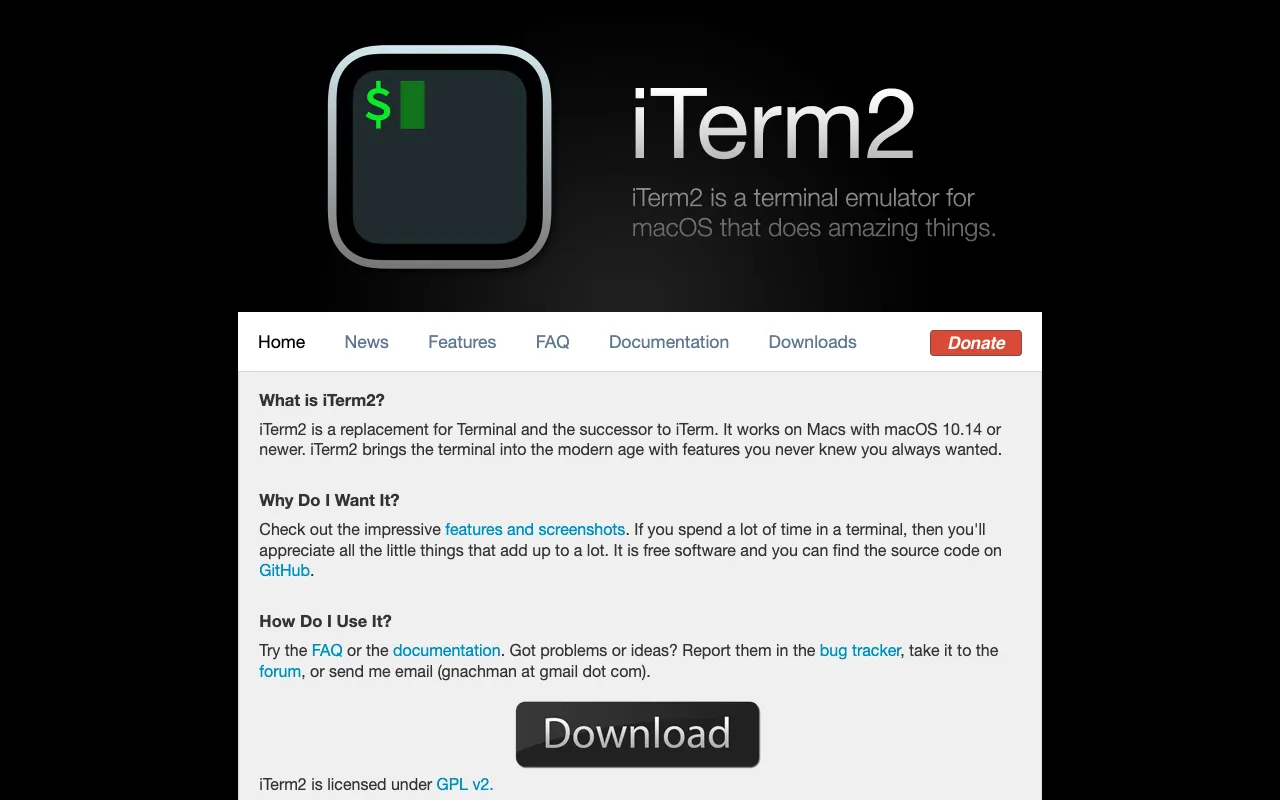
iTerm2 is a terminal emulator for macOS that extends the traditional terminal with tabs, panes, deep shell integration, session persistence, and many automation features.
iTerm2 is a terminal replacement for macOS intended for people who spend long periods in the shell. It modernizes the terminal with windows, tabs, and split panes while adding tools that go beyond basic character rendering.
tmux integration can replace tmux’s text UI with native macOS windows when you run tmux in control mode, and sessions can survive crashes, SSH drops, and upgrades. Shell integration tracks commands, directories, hosts, and usernames to support features such as SCP downloads, drag-and-drop uploads, per-host command history, and marks at prompts.
Other notable capabilities include inline images in the terminal, automatic profile switching based on host or directory, dedicated hotkey windows over fullscreen apps, long-lived sessions with restoration after restarts, a built-in web browser profile, configurable status bars, regex triggers, Vim-like copy mode, instant replay of past screen state, Python scripting, and quick search across sessions.
An optional AI chat window can link to sessions for context-aware help or command assistance. Official builds are downloaded from the project site, and source builds are available for contributors on macOS.
Community zsh configuration framework with plugins
Oh My Zsh manages zsh setup with bundled plugins, themes, and an installer driven by curl, wget, or fetch.

Modern tabbed terminal for Windows command-line users
Windows Terminal is a desktop terminal application for Windows with tabs, theming, and rich text. The same codebase includes the classic console host and shared rendering components.

General-purpose command-line fuzzy finder
Fzf filters lists interactively in the terminal using fuzzy matching. It ships as a single binary with shell and editor integrations.

Configurable cross-platform terminal with SSH and serial
Tabby is a terminal emulator for local shells, SSH, Telnet, and serial links on Windows, macOS, and Linux. It adds splits, tabs, themes, and integrated connection management.
Recursive regex search respecting gitignore rules
ripgrep (rg) searches directories line by line for regex patterns. It skips ignored, hidden, and binary files by default and runs on Windows, macOS, and Linux.

Cross-platform OpenGL terminal emulator
A terminal emulator with sensible defaults and extensive configuration, integrating with other applications instead of duplicating their features. Runs on BSD, Linux, macOS, and Windows.