qmetrics.net

Input Source Pro

macOS utility for automatic keyboard input source switching

Input & DictationDesktop/CLI app
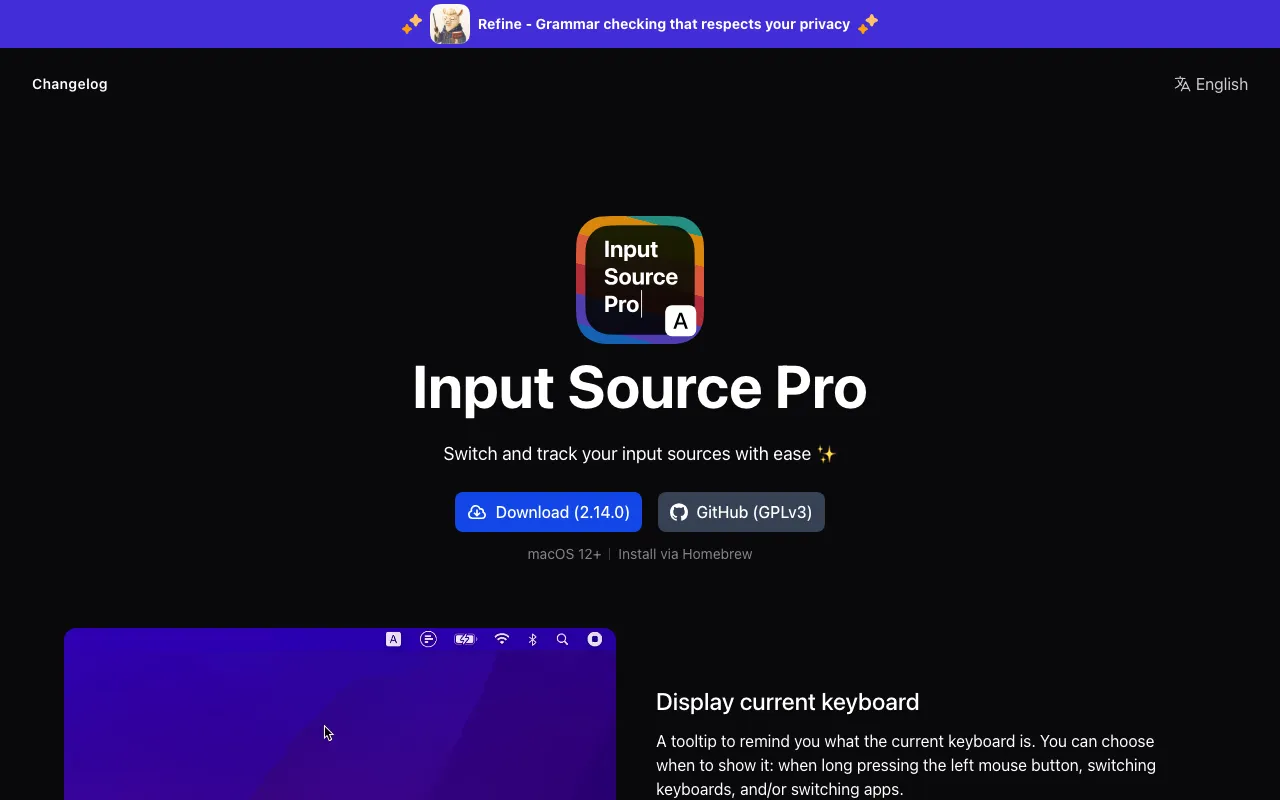
Input Source Pro screenshot

Input Source Pro is a free macOS utility for multilingual users. It switches input sources based on the active app or website and shows a configurable on-screen indicator.

Overview

Input Source Pro automates keyboard input source changes on macOS when you move between applications or browser sites. You can assign a default input method per app and per website in supported browsers, including Safari, Chrome, Arc, Edge, and Firefox among others listed in the documentation.

The app can integrate with Herdr terminal rules so input rules follow the program shown in a local terminal pane when Herdr is frontmost. An on-screen indicator shows the current input source and can be tuned to stay unobtrusive.

Additional controls include force English punctuation for selected apps, per-app function key mode overrides, and custom shortcuts using key combinations or modifier taps. Terminal-heavy workflows and code editors are common targets for punctuation and function-key settings.

Installation is available via Homebrew or by downloading releases. The project is aimed at people who frequently switch languages while typing across apps and sites.

Key features

  • Per-application input source rules
  • Per-website rules in major browsers
  • On-screen input source indicator
  • Force English punctuation per app
  • Per-app function key mode switching
  • Custom keyboard and modifier shortcuts
  • Herdr terminal rule integration
  • Homebrew cask installation

Use cases

  • Multilingual typing across many apps
  • Consistent punctuation in code editors
  • Browser-specific language layouts
  • Terminal sessions with Herdr
  • Function keys tuned per IDE or game

Similar software

VoiceStudio

Local AI voice cloning, dubbing and transcription

VoiceStudio runs on your hardware to clone voices, design new ones, dub video, dictate, transcribe, and build audiobooks across many languages without requiring an account.

★ 119.3k⟳ todayAGPL-3.0
Open Source Alternative to:ElevenLabs

Voicebox

Local AI voice studio for speech and dictation

Voicebox clones voices, synthesizes speech with multiple TTS engines, dictates into other apps, and speaks through MCP-connected agents—all on your hardware.

★ 61.4k⟳ todayMIT
Open Source Alternative to:ElevenLabsWispr Flow

whisper.cpp

Portable C/C++ inference for Whisper speech recognition

Whisper.cpp runs OpenAI Whisper ASR with a dependency-light C/C++ core and CLI tools. It targets CPUs and many GPU and NPU accelerators across common operating systems.

★ 55.6k⟳ 2 days agoMIT

Handy

Offline cross-platform desktop speech-to-text tool

Handy is a desktop speech-to-text application that runs fully offline on your computer. Press a shortcut, speak, and transcribed text is pasted into the active text field.

★ 40.5k⟳ yesterdayMIT
Input & DictationDesktop/CLI app
Open Source Alternative to:Aqua VoiceDragon NaturallySpeaking+1

OpenLogi

Local Logitech device control without cloud accounts

OpenLogi is a native desktop app that configures Logitech mice, keyboards, webcams, and lights over HID++ and UVC. It stores settings in TOML and includes a CLI with a JSON automation API.

★ 26.3k⟳ 5 days agoApache-2.0
Input & DictationDesktop/CLI app
Open Source Alternative to:Logitech Options+

whisperX

Speech recognition with word timestamps and diarization

WhisperX transcribes audio with batched Whisper inference, then aligns words using phoneme models for sharper timestamps. Optional speaker diarization labels who spoke when you provide a Hugging Face token.

★ 25.8k⟳ 6 days agoBSD-2-Clause