Community plugin for Obsidian that converts notes from many apps and file formats into Markdown in your vault.
Overview
Importer is an Obsidian community plugin that brings notes from other apps and export formats into an Obsidian vault as plain text Markdown files. It targets users who want local Markdown notes without manually retyping content when leaving another tool.
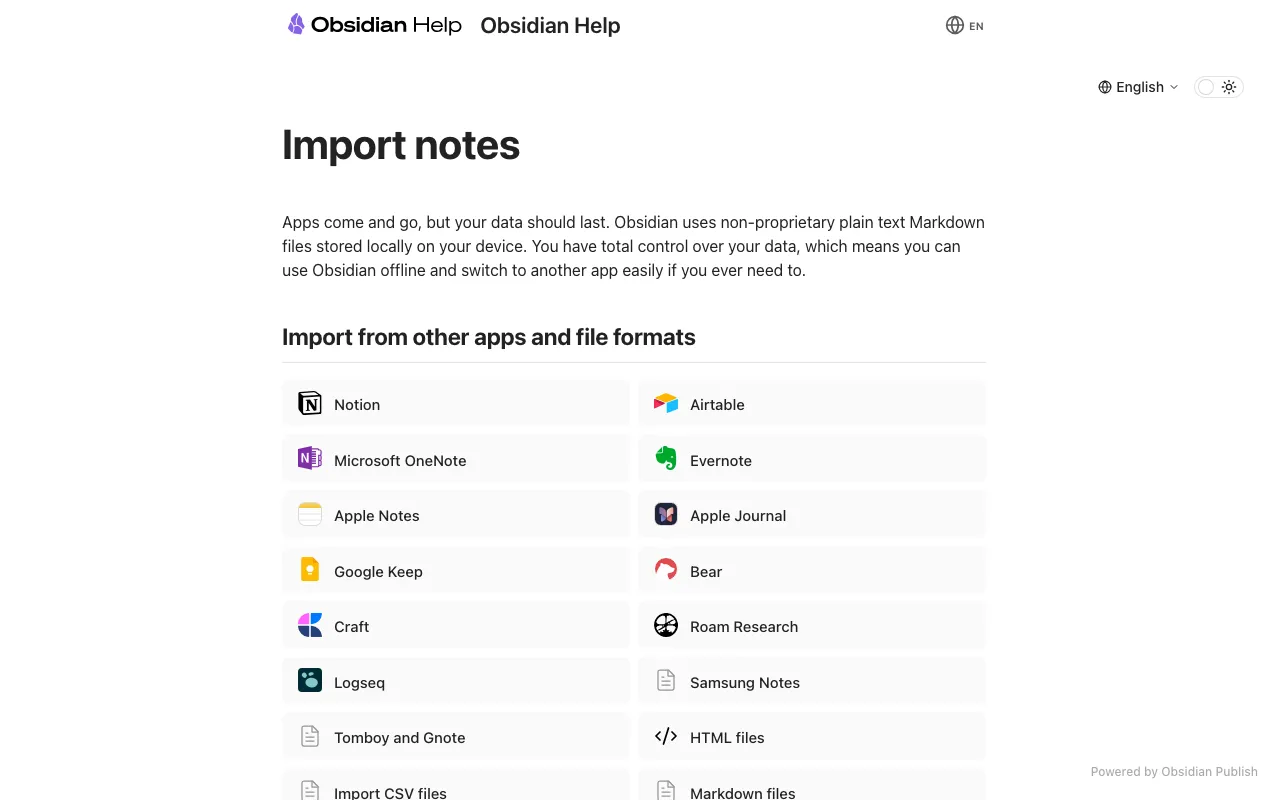
Supported sources include Apple Notes, Apple Journal, Bear, Evernote, Google Keep, Microsoft OneNote, Notion, Roam Research, Logseq, Airtable, Samsung Notes, Tomboy and Gnote, plus file-based paths such as CSV, HTML, Markdown, and Textbundle. Official import guides live on Obsidian Help; the plugin is community-led, with the core team welcoming contributions for new formats.
You enable Importer under Community Plugins in Obsidian settings, then follow the guide for each source format. Conversions aim to preserve note content in vault-native Markdown so it fits Obsidian’s local-first workflow.
Obsidian stores data as non-proprietary plain text Markdown on your device. Importer bridges migration from services that do not use that format natively, including proprietary note apps and structured exports.
Key features
- Import from Notion and Evernote
- Apple Notes and OneNote migration
- Google Keep and Bear support
- CSV and HTML file import
- Markdown and Textbundle import
- Roam Research and Logseq import
- Community-extensible format support
- Output as vault Markdown files
Use cases
- Leaving a proprietary notes app
- Consolidating notes into Obsidian
- Converting exports to Markdown
- Migrating team knowledge bases
- Importing spreadsheets as notes


 Asana
 Coda

 Miro

 Evernote