Lazygit
Terminal user interface for everyday Git workflows
Lazygit wraps common Git operations in a keyboard-driven terminal UI. You can stage partial changes, rebase, cherry-pick, and inspect history without memorizing fragile command sequences.

Cross-platform desktop Git GUI built in Rust
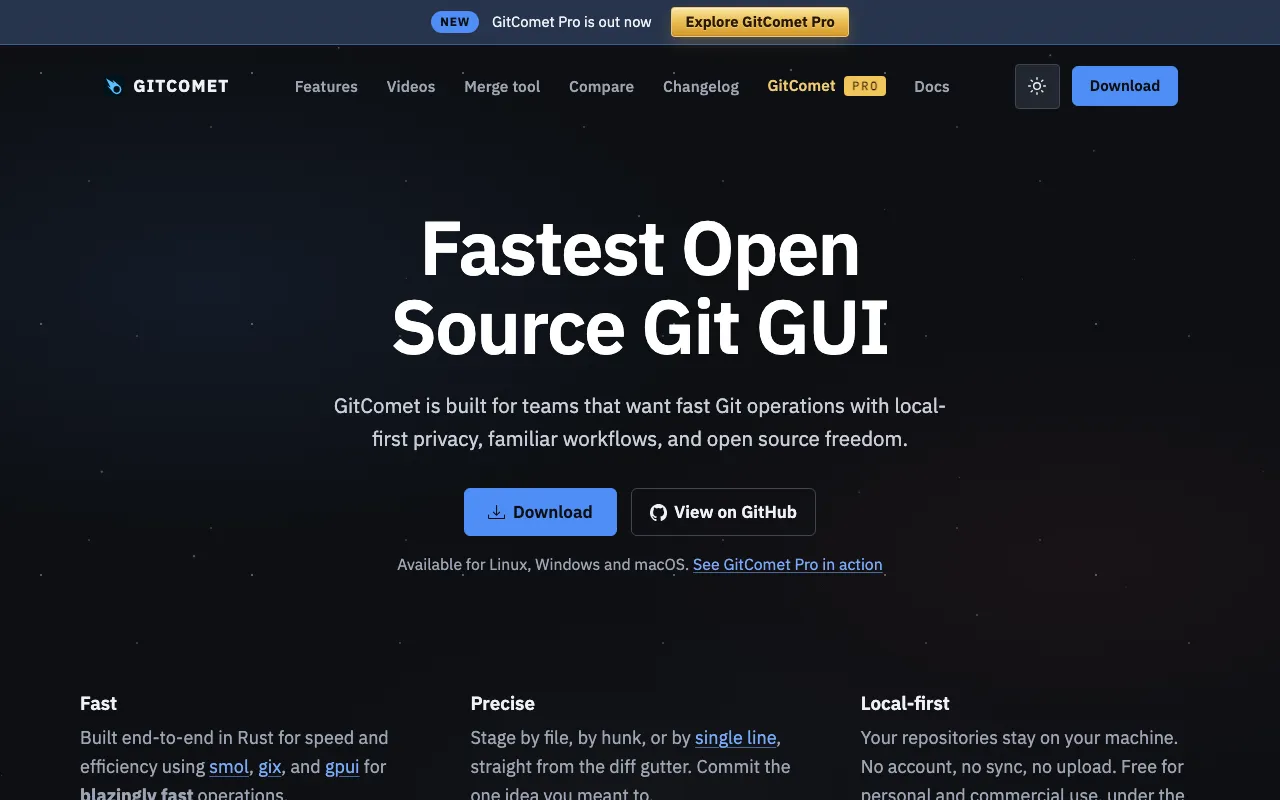
GitComet is a desktop Git client for Linux, Windows, and macOS. It emphasizes local-first workflows, responsive browsing of large repositories, and detailed diff and merge views.
GitComet is a desktop graphical client for Git aimed at teams that want familiar version control workflows without sending repository data to a cloud service. The open edition runs without an account and works with private remotes entirely on the user machine.
Core workflow covers remotes, branch-scoped pull and push, staging, commits, worktrees, branching, and history browsing. Users get inline and side-by-side diffs, line-level staging, two-way and three-way merge tools, interactive rebase, cherry-pick, blame, stashes, and submodule support. Optional Difftastic integration compares code structure for reviews in split or inline layouts.
The client bundles a built-in editor, embedded terminal, and configurable themes. It supports Git LFS status and locks, git-annex content operations, bare repository browsing, and multi-repository workspaces across windows. A separate Pro desktop app adds forge pull request review and merge for several hosting platforms, coding agent session history, and optional AI-assisted commit and pull request text when configured.
GitComet can also act as an external diff and merge tool via git difftool and git mergetool, with headless and interactive GUI modes and a command-line browser entry point. It requires a local Git installation at version 2.53 or newer for full functionality.
Terminal user interface for everyday Git workflows
Lazygit wraps common Git operations in a keyboard-driven terminal UI. You can stage partial changes, rebase, cherry-pick, and inspect history without memorizing fragile command sequences.

Self-hosted Git forge with CI/CD and packages
Gitea is an all-in-one software development service you can run on your own infrastructure. It combines Git hosting with issues, reviews, project boards, package registries, and Gitea Actions CI/CD.
Self-hosted Git service with web collaboration tools
Gogs hosts Git repositories over SSH and HTTP(S) and adds issues, pull requests, wikis, and organization features through a browser UI.
Official GitHub terminal client
GitHub CLI brings issues, pull requests, and other GitHub workflows to the terminal beside git. It works with GitHub.com, Enterprise Cloud, and supported Enterprise Server deployments.

End-to-end developer platform with SCM, CI/CD, and registries
Harness Open Source combines code hosting, automated DevOps pipelines, hosted development environments called Gitspaces, and artifact registries in one platform.
Lightweight native Git hooks for Node projects
Husky wires Git hooks so teams can lint commit messages, run tests, or check code on commit and push. It uses core.hooksPath, stays around two kilobytes gzipped, and supports macOS, Linux, and Windows.