Lazygit
Terminal user interface for everyday Git workflows
Lazygit wraps common Git operations in a keyboard-driven terminal UI. You can stage partial changes, rebase, cherry-pick, and inspect history without memorizing fragile command sequences.

Git-based version control client with GUI and CLI
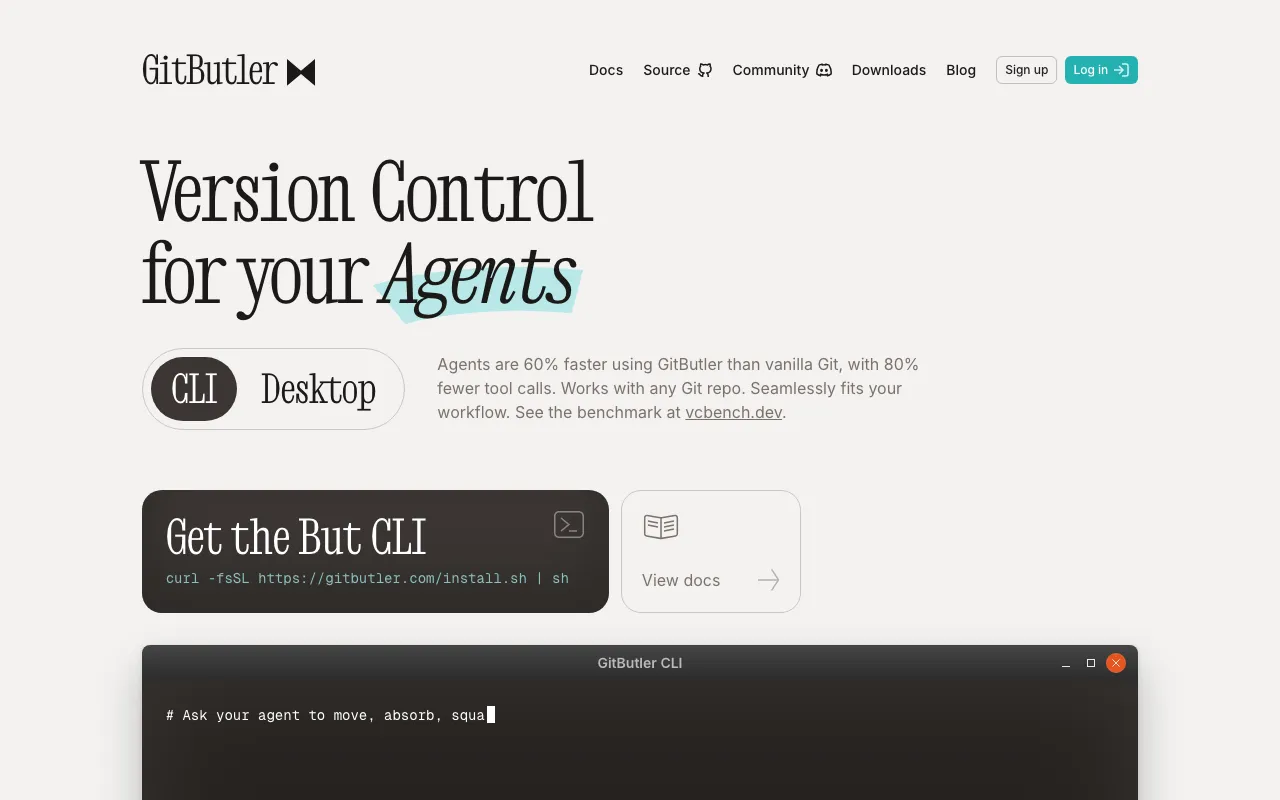
GitButler layers a graphical client and CLI onto existing Git repositories. It targets stacked and parallel branch workflows, easier commit editing, and use alongside AI coding agents.
GitButler is a Git-based version control system delivered as a desktop GUI and a command-line tool. It is built with Tauri, Rust, and Svelte and is meant to work as a drop-in interface on repositories you already use with standard Git remotes.
Stacked branches let you build work on top of other branches, with amend and edit operations that restack dependent commits. Parallel branches keep multiple lines of work active without constantly checking out a single branch. Commit management covers uncommit, reword, amend, move, split, and squash through the GUI or CLI, and an undo timeline logs operations so you can revert changes.
Rebases are designed to complete even when conflicts appear; commits can stay marked conflicted until you resolve them in any order. Forge integration supports authentication to GitHub, GitLab, or Bitbucket for opening and updating pull requests, listing branches, and reading CI status from the client.
Built-in AI helpers can draft commit messages, branch names, and pull request descriptions, and hooks or skills can be installed for agent systems. The CLI offers structured JSON output, idempotent commands, and workflows aimed at automated agent use while still operating on ordinary Git repositories.
Terminal user interface for everyday Git workflows
Lazygit wraps common Git operations in a keyboard-driven terminal UI. You can stage partial changes, rebase, cherry-pick, and inspect history without memorizing fragile command sequences.

Self-hosted Git forge with CI/CD and packages
Gitea is an all-in-one software development service you can run on your own infrastructure. It combines Git hosting with issues, reviews, project boards, package registries, and Gitea Actions CI/CD.

Self-hosted Git service with web collaboration tools
Gogs hosts Git repositories over SSH and HTTP(S) and adds issues, pull requests, wikis, and organization features through a browser UI.
Official GitHub terminal client
GitHub CLI brings issues, pull requests, and other GitHub workflows to the terminal beside git. It works with GitHub.com, Enterprise Cloud, and supported Enterprise Server deployments.

End-to-end developer platform with SCM, CI/CD, and registries
Harness Open Source combines code hosting, automated DevOps pipelines, hosted development environments called Gitspaces, and artifact registries in one platform.
Lightweight native Git hooks for Node projects
Husky wires Git hooks so teams can lint commit messages, run tests, or check code on commit and push. It uses core.hooksPath, stays around two kilobytes gzipped, and supports macOS, Linux, and Windows.