Lazygit
Terminal user interface for everyday Git workflows
Lazygit wraps common Git operations in a keyboard-driven terminal UI. You can stage partial changes, rebase, cherry-pick, and inspect history without memorizing fragile command sequences.

Git command-line extension for large files
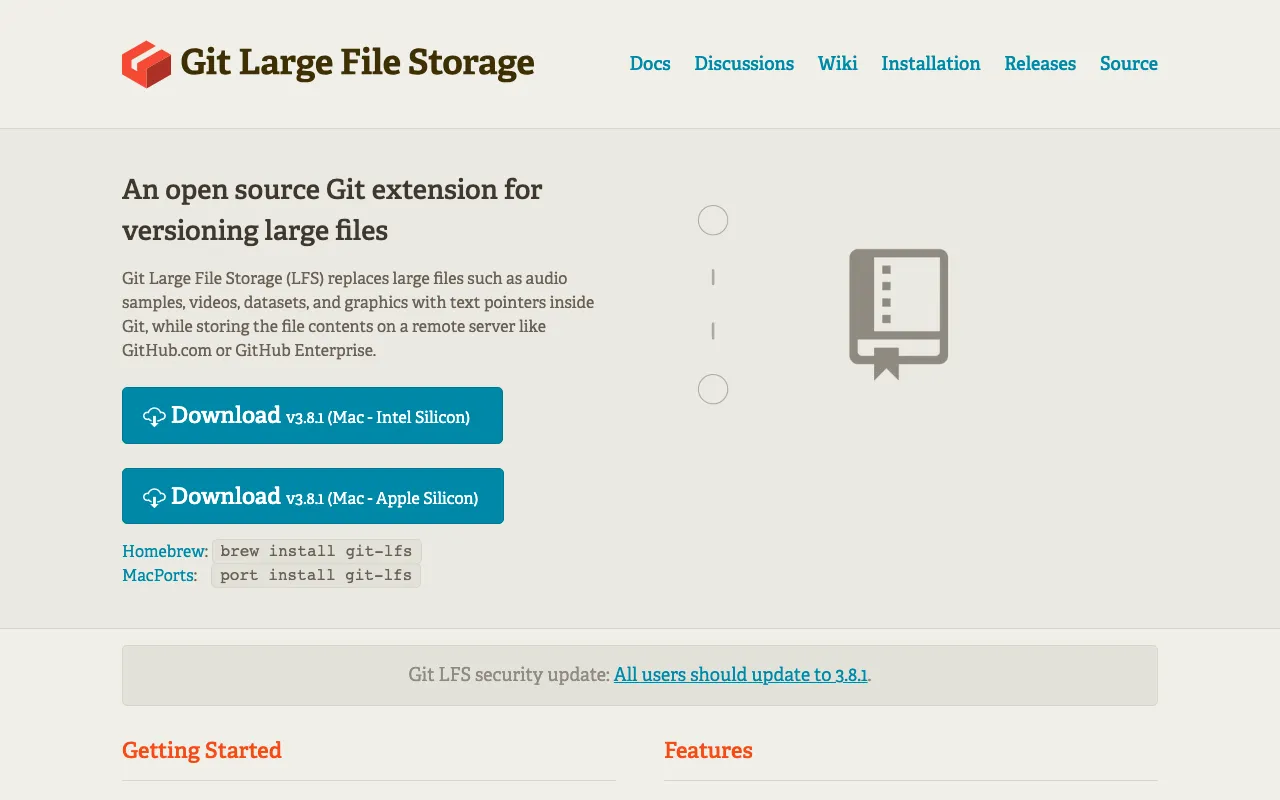
Git LFS is a Git extension and specification that stores large file contents on a remote server while keeping text pointers in Git history. Prebuilt binaries exist for major desktop platforms.
Git Large File Storage extends Git so repositories can version large assets without bloating every clone. Large files such as audio, video, datasets, and graphics are replaced inside Git with small text pointers, while the actual bytes live on a remote LFS server compatible with hosts like GitHub or GitHub Enterprise.
The client is a command-line tool written in Go. After a one-time git lfs install per machine, you select patterns to track with git lfs track, commit the updated .gitattributes file, and then use normal git add, commit, and push workflows. Git LFS intercepts matching paths and uploads content to LFS storage on push.
Existing history can be moved onto LFS with git lfs migrate, which rewrites commits and object IDs similarly to other history-rewriting operations. The tool can also convert a repository back to plain Git if LFS is no longer wanted. git lfs env and traced commands help debug setup issues.
Binaries ship for Linux, macOS, Windows, and FreeBSD via direct downloads, package managers such as Homebrew and Chocolatey, Debian and RPM packages, Git for Windows bundles, and mise-en-place. The project publishes signed releases and documents that it targets Git 2.0.0 and later, with recent Git recommended.
Terminal user interface for everyday Git workflows
Lazygit wraps common Git operations in a keyboard-driven terminal UI. You can stage partial changes, rebase, cherry-pick, and inspect history without memorizing fragile command sequences.

Self-hosted Git forge with CI/CD and packages
Gitea is an all-in-one software development service you can run on your own infrastructure. It combines Git hosting with issues, reviews, project boards, package registries, and Gitea Actions CI/CD.

Self-hosted Git service with web collaboration tools
Gogs hosts Git repositories over SSH and HTTP(S) and adds issues, pull requests, wikis, and organization features through a browser UI.
Official GitHub terminal client
GitHub CLI brings issues, pull requests, and other GitHub workflows to the terminal beside git. It works with GitHub.com, Enterprise Cloud, and supported Enterprise Server deployments.

End-to-end developer platform with SCM, CI/CD, and registries
Harness Open Source combines code hosting, automated DevOps pipelines, hosted development environments called Gitspaces, and artifact registries in one platform.
Lightweight native Git hooks for Node projects
Husky wires Git hooks so teams can lint commit messages, run tests, or check code on commit and push. It uses core.hooksPath, stays around two kilobytes gzipped, and supports macOS, Linux, and Windows.