
Oh My Zsh
Community zsh configuration framework with plugins
Oh My Zsh manages zsh setup with bundled plugins, themes, and an installer driven by curl, wget, or fetch.
Cross-platform GPU-accelerated native terminal emulator
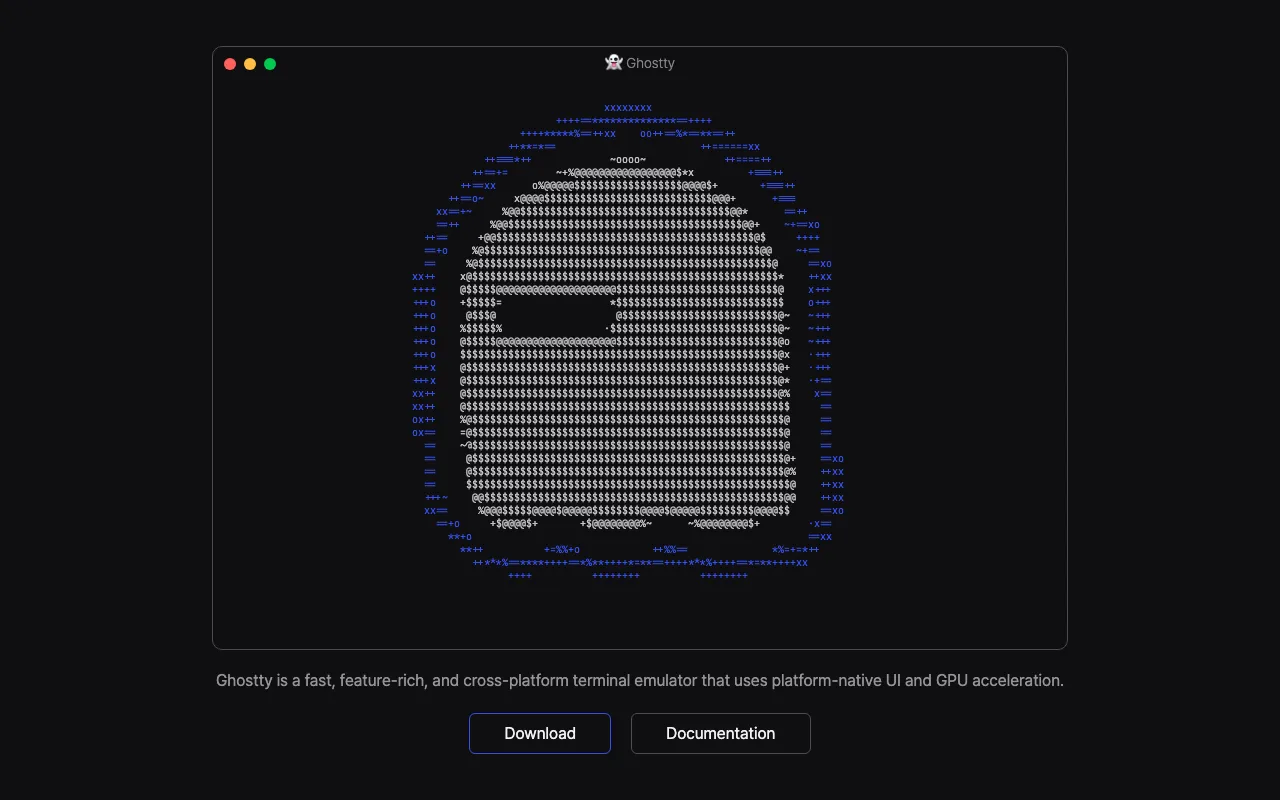
Ghostty is a terminal emulator with platform-native interfaces, GPU rendering, and broad modern terminal feature support. A C-compatible library lets other programs embed the same terminal engine.
Ghostty is a standalone terminal emulator focused on standards-compliant emulation, responsive rendering, and native desktop integration on each operating system it supports. It runs mainstream terminal programs and implements widely used control sequences alongside newer capabilities such as Kitty graphics and image protocols, clipboard sequences, synchronized rendering, and light or dark mode notifications.
Windowing features on macOS and Linux builds include multiple windows, tabs, and split panes, with options to rename or color tabs. The macOS application uses SwiftUI with Metal rendering and CoreText font discovery, and supports AppleScript and Shortcuts. The Linux build uses GTK and can integrate with systemd for single-instance behavior and related desktop lifecycle hooks.
Performance work includes a multi-threaded design with dedicated read, write, and render paths, OpenGL on Linux, Metal on macOS, and a SIMD-optimized terminal parser on the read path. The project also ships libghostty, a cross-platform library for embedding terminal parsing and state in third-party applications, with a smaller libghostty-vt component for sequence parsing usable from C or Zig.
A built-in crash reporter saves reports locally in Sentry envelope format without automatically uploading them. CLI subcommands can list stored crash reports. Documentation and downloads are provided on the project website.
Community zsh configuration framework with plugins
Oh My Zsh manages zsh setup with bundled plugins, themes, and an installer driven by curl, wget, or fetch.

Terminal AI agent for enterprise Gemini Code Assist
Gemini CLI is an open-source command-line agent for querying and editing codebases, running shell workflows, and connecting MCP tools under Gemini Code Assist on Google Cloud.

Modern tabbed terminal for Windows command-line users
Windows Terminal is a desktop terminal application for Windows with tabs, theming, and rich text. The same codebase includes the classic console host and shared rendering components.

General-purpose command-line fuzzy finder
Fzf filters lists interactively in the terminal using fuzzy matching. It ships as a single binary with shell and editor integrations.
Terminal user interface for everyday Git workflows
Lazygit wraps common Git operations in a keyboard-driven terminal UI. You can stage partial changes, rebase, cherry-pick, and inspect history without memorizing fragile command sequences.

Configurable cross-platform terminal with SSH and serial
Tabby is a terminal emulator for local shells, SSH, Telnet, and serial links on Windows, macOS, and Linux. It adds splits, tabs, themes, and integrated connection management.