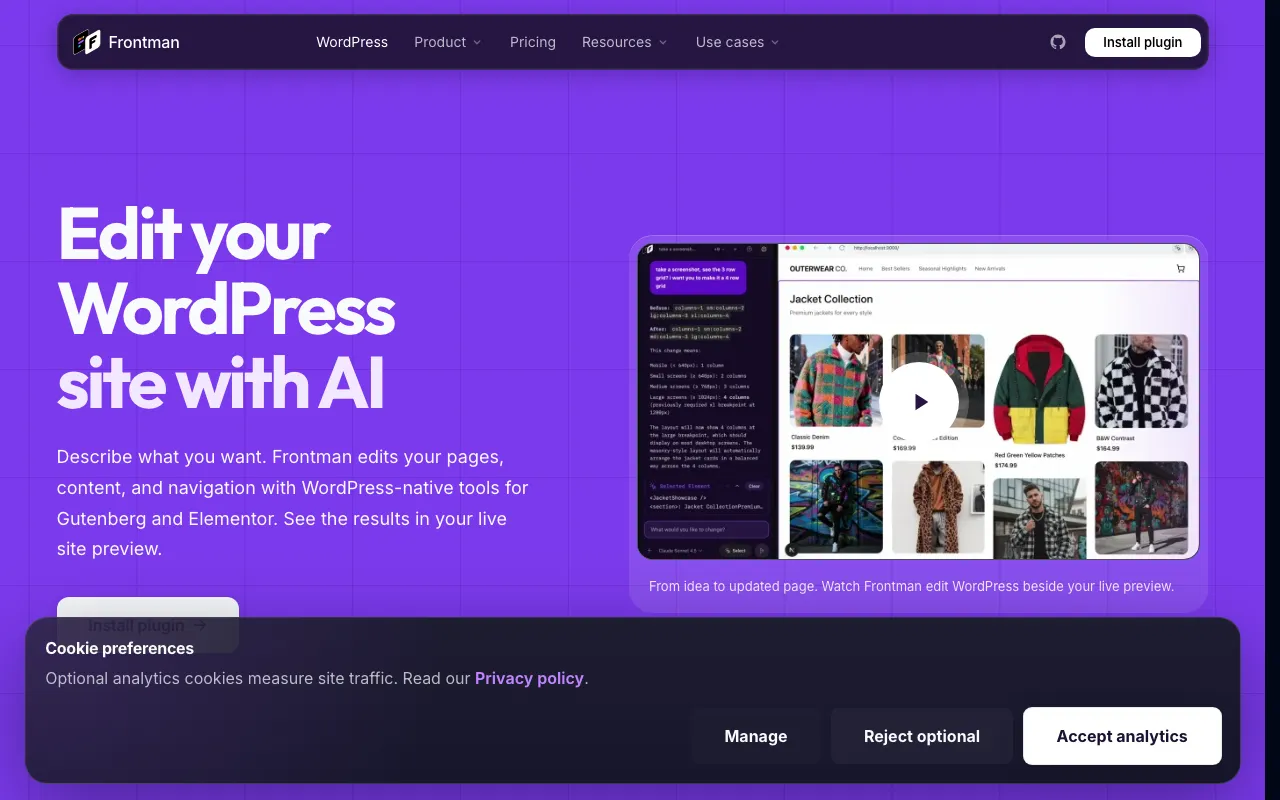
Frontman is an AI coding agent that runs in the browser during development. Teammates click UI elements, describe changes in plain language, and it edits source files with hot reload.
Overview
Frontman targets small frontend changes that often sit in design QA or internal tooling backlogs. It starts from the running application in the browser rather than from static source alone, using live DOM context, component trees, computed CSS, routes, source maps, and server logs to find the right files to change.
After a developer adds Frontman to a project, people open the app locally and reach a chat interface alongside the live view. Selecting an element and describing the update triggers edits to the matching source with instant hot reload. Framework integration turns the local dev server into an MCP server the agent queries for client and server context.
Supported stacks in development mode include Next.js App and Pages Router, Astro, and Vite-based React, Vue, and Svelte including SvelteKit. Production builds strip Frontman out so deployed bundles stay unchanged. The tool uses bring-your-own-key LLM access across several providers.
Product managers, designers, and frontend developers can fix copy, spacing, colors, and layout without waiting on IDE-based workflows. Compared with terminal-first AI tools, Frontman emphasizes what the page actually renders. It can also ship as an OpenClaw skill for specialized frontend editing.
Key features
- Live DOM and component tree context
- Computed CSS and source map resolution
- Click-to-select element editing
- Hot reload after source changes
- Next.js, Astro, and Vite integrations
- Bring-your-own-key LLM providers
- MCP server via dev framework middleware
- OpenClaw skill for frontend editing
Use cases
- Fixing UI copy and empty states
- Adjusting spacing across mobile and desktop
- Polishing internal sub-pages without an IDE
- Design and product QA frontend tweaks
- Reviewing diffs through normal code review


 Claude Code