Forge is a command-line coding agent that reads your project, runs shell tools, and edits files with models from OpenAI, Anthropic, Google, and other providers you configure.
Overview
Forge integrates large language models into a terminal-based development workflow. You can run an interactive session, fire a one-shot prompt with a flag, or install a ZSH plugin that routes lines prefixed with a colon straight to the agent without typing the binary name each time.
Built-in agents cover implementation work, read-only research, and planning that writes plans to a plans directory. The tool attaches files with an at-sign fuzzy search, keeps saved conversations you can switch between, and offers skills such as scaffolding custom skills, executing plan files, and generating pull request descriptions from diffs. Project-level AGENTS.md, custom agents, commands, and skills override global defaults.
Forge can index a workspace for semantic search after sync, run git-aware commits, suggest shell commands from natural language, and operate in a restricted shell mode to limit filesystem changes. Providers are configured through an interactive login flow that stores credentials on disk, with legacy environment variable support being phased out.
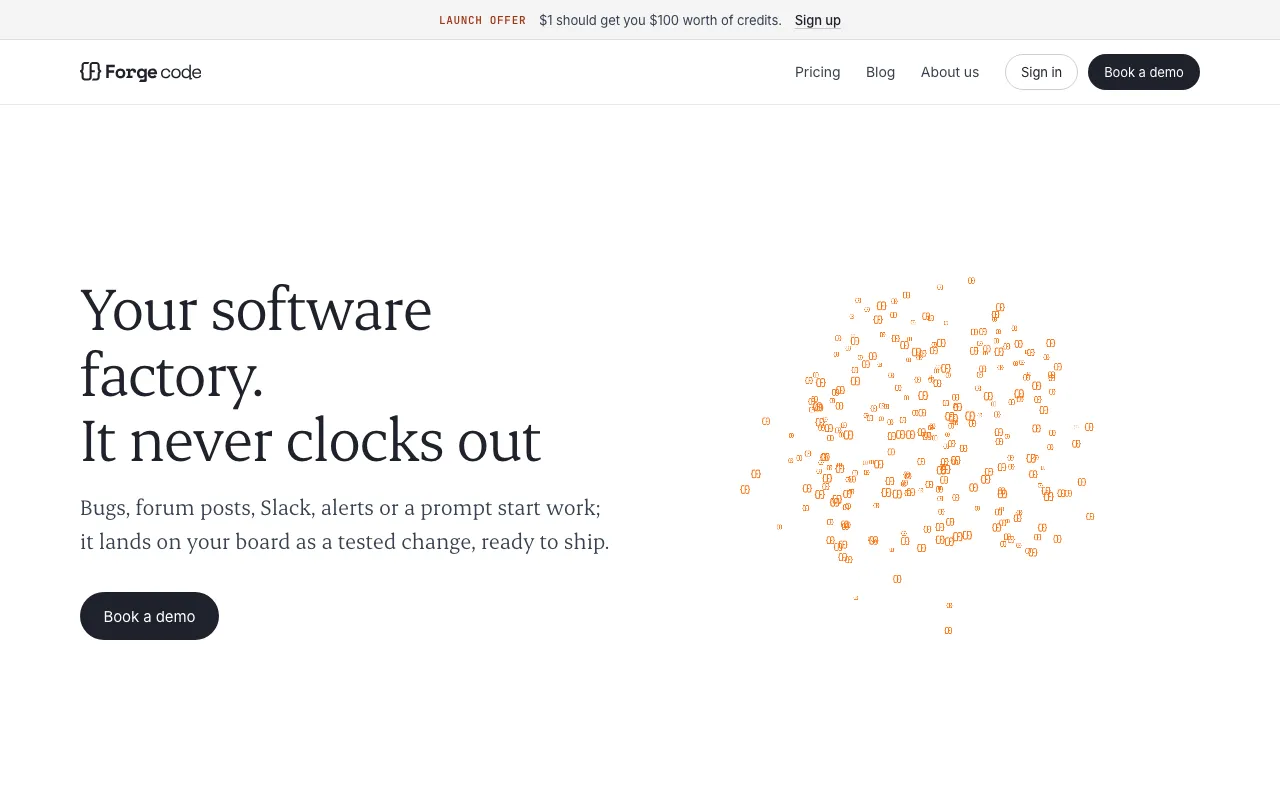
Under the same name, a longer-running software factory connects to issue trackers, chat, and alerts. The terminal agent installs via a curl script and runs in the shell where you already work.
Key features
- Interactive TUI sessions
- One-shot CLI prompts
- ZSH colon-prefix plugin
- Three built-in agent roles
- Git commit assistance
- Workspace semantic search
- Custom agents and skills
- Multi-provider model login
Use cases
- Implementing features from terminal prompts
- Explaining unfamiliar codebases
- Debugging with project context
- Generating implementation plans
- Scripted one-off AI tasks in CI



 Claude Code