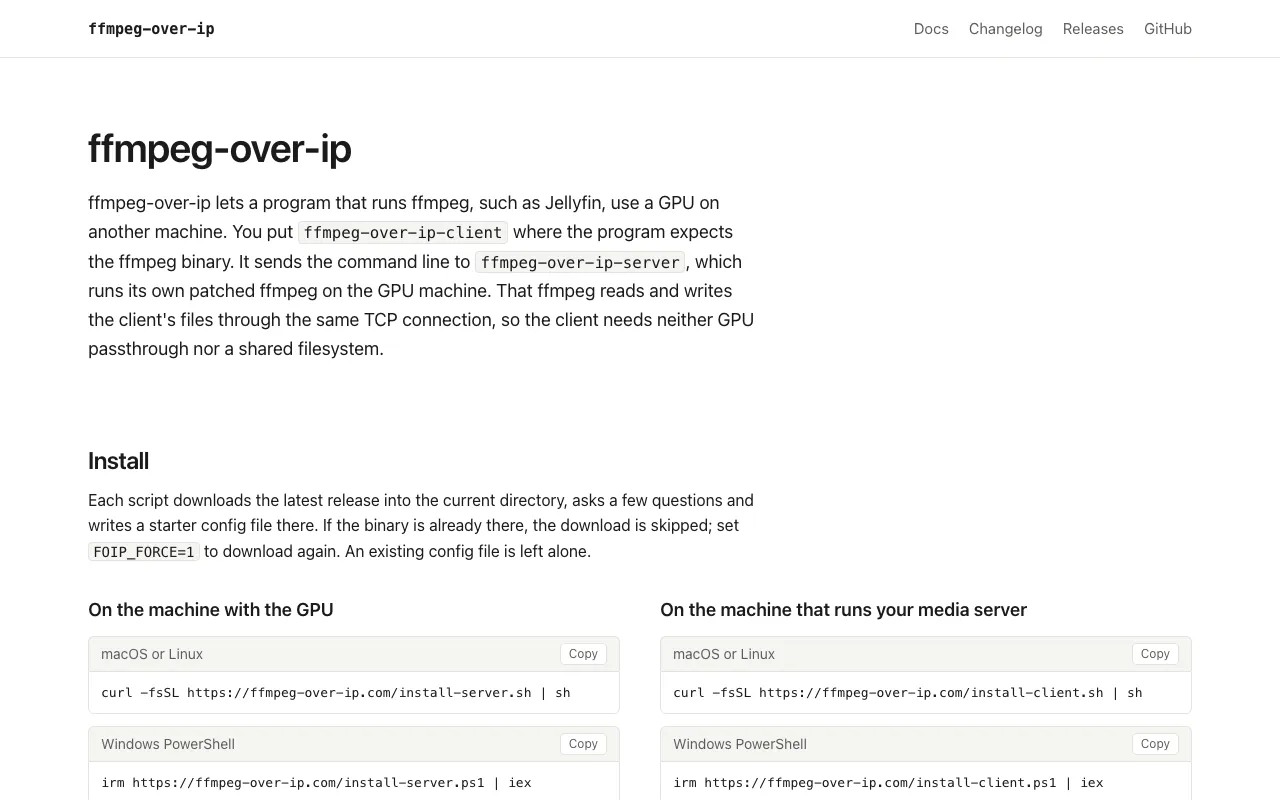
ffmpeg-over-ip lets apps such as Jellyfin use ffmpeg on a remote GPU machine. A client binary replaces local ffmpeg and streams file reads and writes over one TCP connection to a server-side patched ffmpeg.
Overview
ffmpeg-over-ip separates where media files live from where GPU transcoding runs. Install the server on a host with a GPU and point your media application at the client binary instead of ffmpeg. The client forwards normal ffmpeg arguments; the server runs bundled ffmpeg and patches that tunnel OPEN, READ, WRITE, SEEK, and CLOSE operations back to the client so files never reside on the GPU box.
The setup avoids NVIDIA container runtime wiring, PCIe passthrough, and NFS or SMB shares between machines. Releases ship pre-built ffmpeg and ffprobe binaries with hardware paths such as NVENC, QSV, VAAPI, AMF, and VideoToolbox, built on the jellyfin-ffmpeg pipeline. Install scripts for macOS, Linux, and Windows download binaries, collect host, port, and shared secret, and write starter JSON config files.
Client and server authenticate with HMAC-SHA256 challenge-response using a shared secret on each connection. Multiple clients can attach concurrently, each spawning its own server-side ffmpeg process. stdout and stderr stream back in real time, and the client exits with the same code as the remote process. Traffic is not encrypted by default; documentation recommends VPN or SSH tunnels on untrusted networks.
Key features
- Drop-in ffmpeg client binary
- Server-side GPU transcoding
- Tunneled file I/O over TCP
- Bundled jellyfin-ffmpeg builds
- HMAC mutual authentication
- Concurrent client sessions
- Docker and socket deployment docs
- Linux, macOS, and Windows binaries
Use cases
- Jellyfin transcoding on a remote GPU
- Avoiding shared filesystems for media
- GPU encoding from containerized apps
- Offloading ffmpeg without passthrough
- Central ffmpeg pool for homelab servers