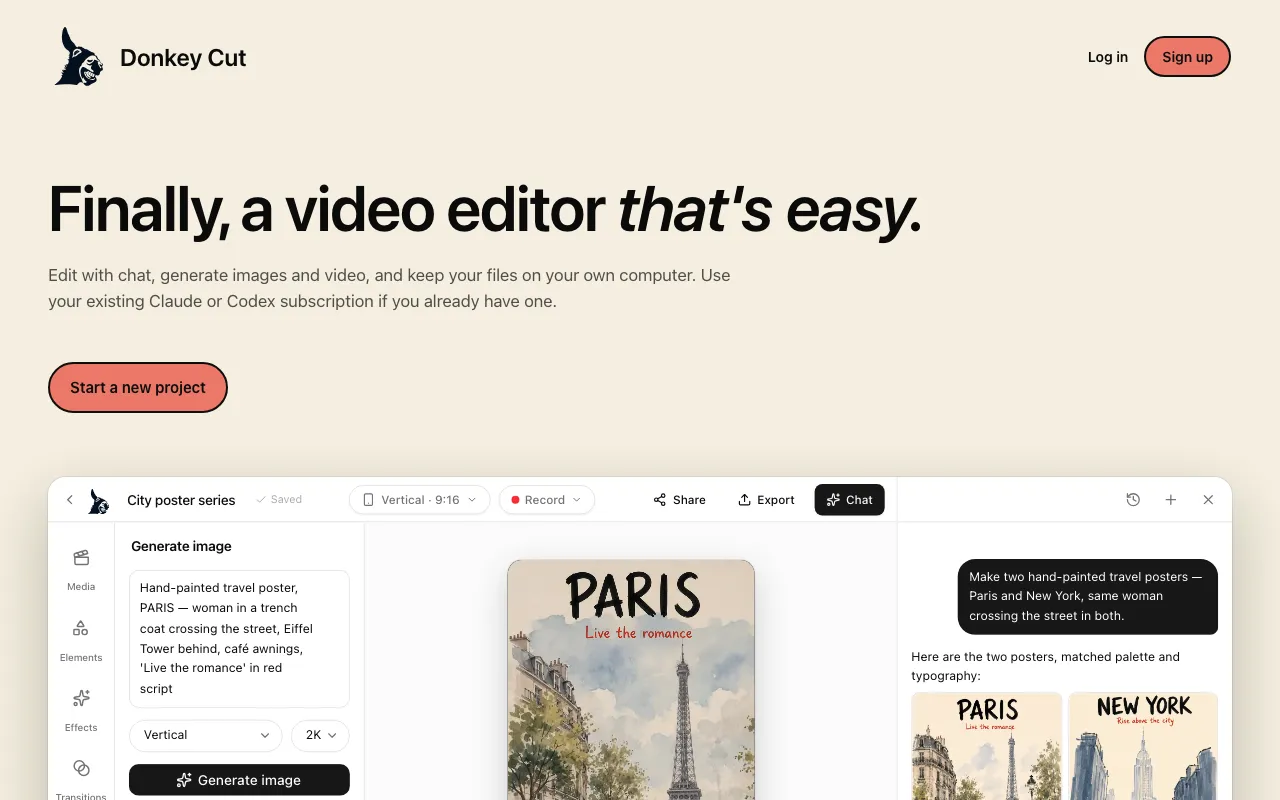
Donkey Cut edits video in the browser with cloud or local projects, multi-track timelines, captions, and generative media helpers.
Overview
Donkey Cut is a free open-source video editor accessible through the web, with optional macOS companion software for local files and processing. Users choose cloud projects that store media remotely or local projects that keep footage on the computer while using the same editor interface.
The timeline supports multiple tracks, captions, music, effects, and an AI assistant that can generate images, video, voiceovers, and music into the project. Cloud workflows allow sharing read-only links, while the Mac app saves projects under Movies, runs local transcription, connects to Codex or Claude Code accounts, and records the screen onto the timeline.
ChatGPT integration can drive cloud edits with native editor tools for import, cut, caption, preview, undo, and export inside a conversation. Hosted deployments charge for cloud storage and AI generation while core editing remains free.
The product is positioned as an accessible CapCut-style editor that keeps optional local control of media files.
Key features
- Multi-track timeline with captions
- Cloud or local project storage
- AI-generated media in projects
- macOS companion for local engine
- Screen recording to timeline
- ChatGPT-connected cloud editing
- Read-only shared project links
- Chat-based edit assistance
Use cases
- Quick social clips in the browser
- Keeping raw footage on a Mac locally
- Generating B-roll from text prompts
- Teaching CapCut-style editing for free
Open-source alternative to

 CapCut