
PowerToys
Open-source Windows desktop utility collection
Microsoft PowerToys bundles many small utilities for customizing Windows and streamlining common desktop tasks. Users install it on Windows through several package channels.

Open-source Android digital wellbeing blocker
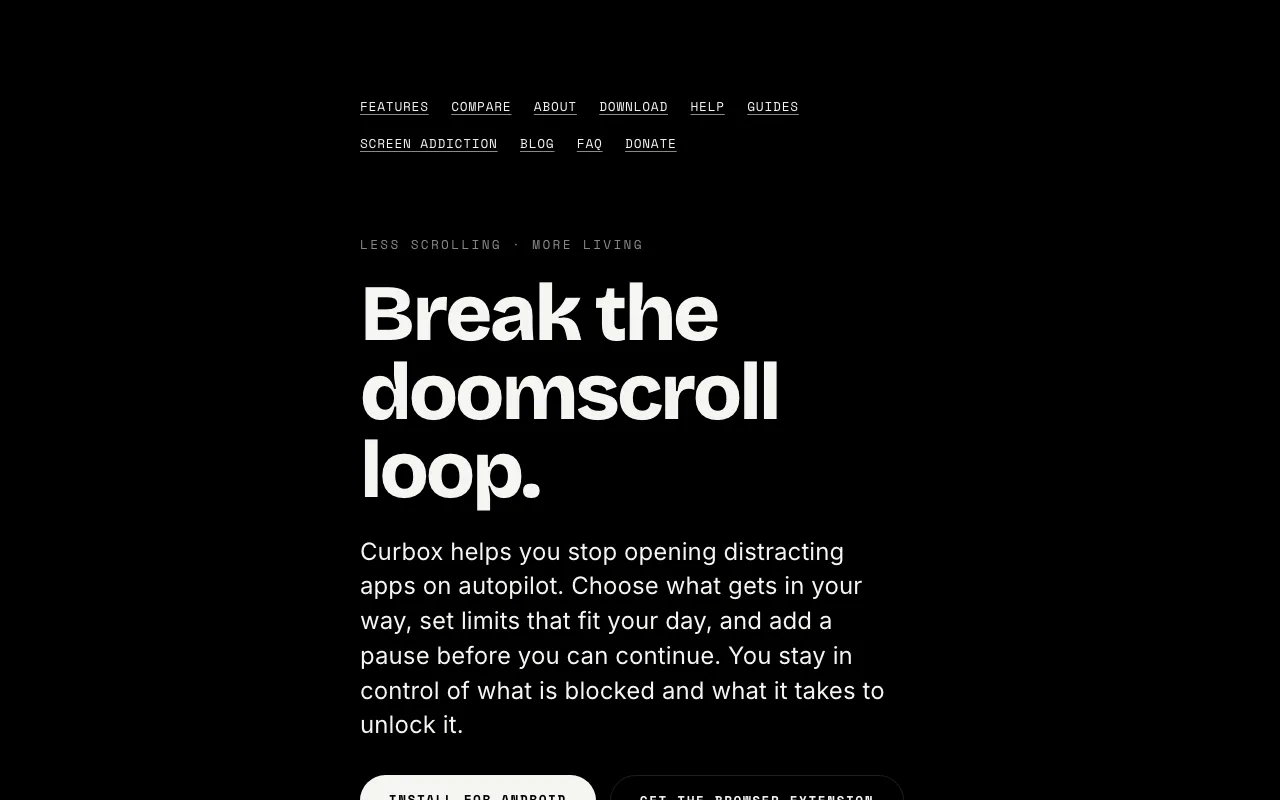
Curbox is an Android utility to limit distracting apps and sites, measure usage, and enforce focus rules without network access. Blocking covers short-form feeds, granular UI hiding, and configurable unlock challenges.
Curbox is an open-source Android app for controlling screen time and digital habits. The codebase is public, the app does not connect to the internet, and setup takes a few minutes despite many options.
Blocking features include full app and website blocks, tamper resistance against easy uninstall, dedicated controls for short-form video surfaces, hiding parts of an app interface, and path-level website rules. Insights cover usage analytics, focus statistics, live scroll counters for short video, attention span tracking, and per-session timers while an app is open.
Mindful usage tools add focus mode, scheduled do-not-disturb, per-app grayscale, scheduled usage windows with totals, and home screen widgets. Unlock flows can require timed allowances, QR or barcode scans, retyping deterrent sentences, NFC, adaptive math, or strict lockouts with limits on repeated unlocks.
Developers can integrate via a documented Curbox API for focus modes, settings, and usage stats with user permission. An iOS version is listed as coming soon; only the Android client is included.
Open-source Windows desktop utility collection
Microsoft PowerToys bundles many small utilities for customizing Windows and streamlining common desktop tasks. Users install it on Windows through several package channels.

Bootable USB loader for ISO and disk images
Ventoy prepares a USB drive so you can copy ISO, WIM, IMG, VHD, and EFI files and pick them from a boot menu without reformatting for each image.

Open-source Mac and Windows cleanup CLI and apps
Mole cleans caches, uninstalls apps with leftovers, analyzes disk use, runs maintenance tasks, and shows live system stats. A free terminal tool ships alongside optional native Mac and Windows apps.
PowerShell declutter tool for Windows 10 and 11
Win11Debloat is a no-install PowerShell script that removes bundled apps, limits telemetry, and applies registry and UI tweaks on Windows 10 and 11.

Wi-Fi Android TV debloat and custom home launcher toolkit
CleanYourTV disables manufacturer bloat and telemetry on Android and Google TV over Wi-Fi, then installs a compact home launcher. Changes are reversible without root or uninstalling packages.

Portable Windows utility for bootable USB drives
Rufus formats USB and similar drives and writes bootable media from ISOs or disk images. It runs as a single executable on Windows without a separate install step.
 CleanMyMac