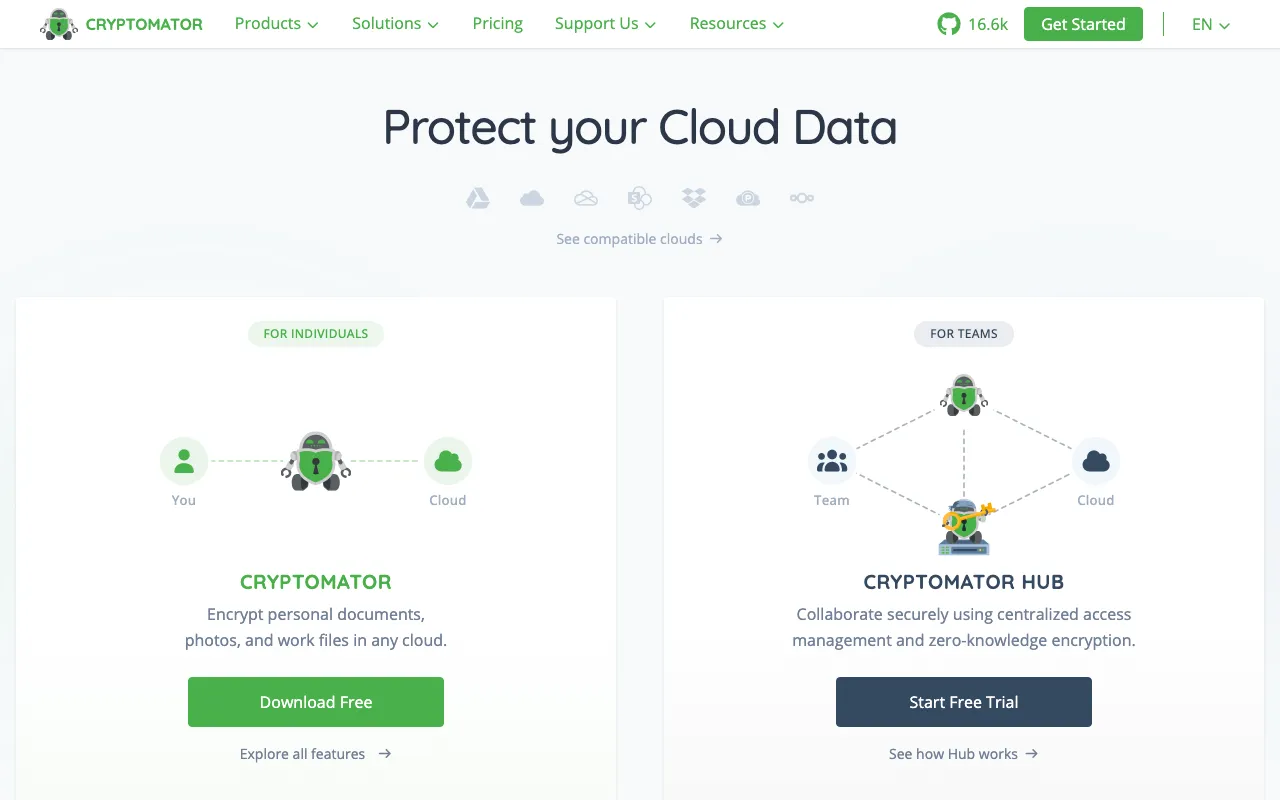
Cryptomator encrypts files and filenames locally before they sync to Dropbox, Google Drive, OneDrive, and similar folder-backed cloud services.
Overview
Cryptomator provides transparent client-side encryption for files you store in cloud sync folders. You create a password-protected vault inside your sync directory, unlock it to mount a virtual drive, and work with files as on a removable disk while encryption happens automatically on write.
The design keeps keys on your device: no vendor accounts are required for Cryptomator itself, and cloud providers only see ciphertext and obfuscated paths. Filename and folder structure encryption limits what someone learns from browsing the remote folder.
Technical choices include AES with 256-bit keys, scrypt key derivation, authenticated encryption for file content, and wiping sensitive data from memory when possible. You can maintain multiple vaults with separate passwords in the same cloud account.
Native builds are offered for Windows, macOS, and Linux. Cryptomator Hub supports team scenarios with shared vault access and identity integration. Desktop use is free on a donation-supported model, and a separate mobile offering is also available.
Key features
- AES-256 file encryption
- Encrypted file and folder names
- Virtual encrypted drive mount
- Multiple vaults per cloud account
- Works with major sync providers
- Scrypt key derivation
- Authenticated ciphertext
- Cryptomator Hub for teams
Use cases
- Encrypting personal cloud backups
- Protecting sync folders on shared PCs
- Team vaults with Hub accounts
- Zero-knowledge storage on Dropbox or Drive
- Local encryption before upload

 Google Photos