qmetrics.net

Concat

Cross-platform local video editor with offline AI tools

Photo & Video EditorsDesktop/CLI app
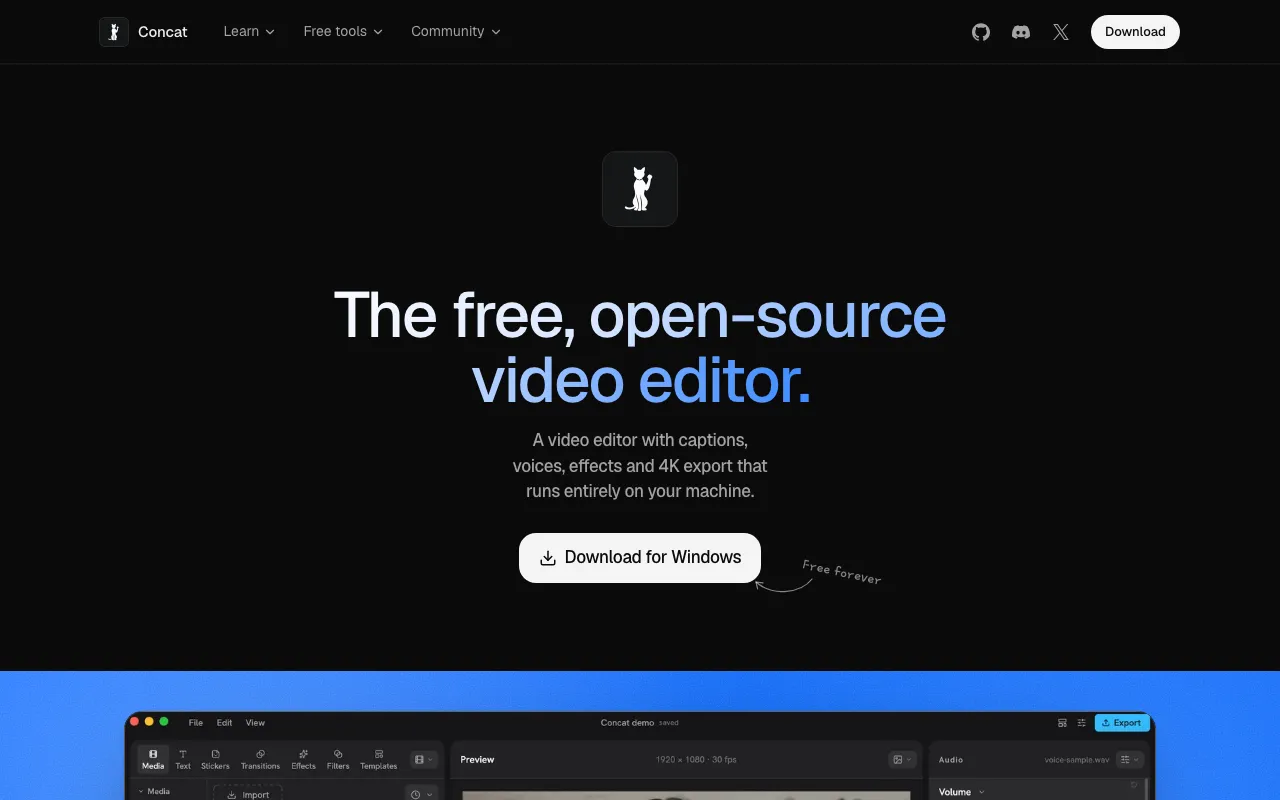
Concat screenshot

Concat is a free video editor for desktop and mobile that runs edits locally with auto-captions, voice tools, effects, and up to 4K export without accounts or watermarks.

Overview

Concat is a non-linear video editor for Windows, macOS, Linux, Android, and iOS. You install a build for your platform, import footage, and edit on your machine without signing up or uploading media. Optional AI models for captions, speech, and cutout download once from settings and can work offline afterward.

The editor supports multi-track timelines, keyframes with a curve editor, speed ramps, titles and shapes, background removal and chroma key, voice isolation, text-to-speech with optional voice cloning from a short recording, and a large set of effects, filters, and transitions. Export uses H.264, HEVC, or AV1 with hardware encoders when available, up to 4K at 60 fps with 10-bit color and no watermark.

For automation, the desktop app exposes a built-in MCP server for AI agents and JSON-RPC from an open window; source builds can add gRPC and a shell CLI. The interface is available in many languages and suits short-form social clips, YouTube content, tutorials, podcasts, and memes.

Installers and packages are published for each platform, with optional community Flatpak packaging on Linux. The product is in beta; commercial licensing is offered separately from the default license for closed-source use.

Key features

  • On-device auto-captions on the timeline
  • Local text-to-speech and voice cloning
  • Background removal and chroma key
  • Multi-track editing with keyframes
  • 100+ effects, filters, and transitions
  • 4K export via H.264, HEVC, or AV1
  • MCP server and JSON-RPC automation API
  • No watermark, account, or subscription

Use cases

  • TikTok, Reels, and Shorts editing
  • YouTube and tutorial videos
  • Podcast clips and screen recordings
  • Scripted or agent-driven video edits

Tags

Similar software

Stable Diffusion Webui

Gradio web interface for Stable Diffusion

AUTOMATIC1111’s web UI wraps Stable Diffusion with txt2img, img2img, inpainting, upscalers, training tabs, and a settings-driven Gradio front end. Install scripts target NVIDIA and AMD GPUs plus Apple Silicon.

★ 165.4k⟳ 2 years agoAGPL-3.0
AI Interaction & InterfacesNo commits in 18+ monthsSelf-hostable

MoneyPrinterTurbo

AI workflow toolkit for automated short-form video

MoneyPrinterTurbo turns a topic or keyword into an HD short video using AI for script, footage, voice, subtitles, and music.

★ 146k⟳ yesterdayMIT
Photo & Video EditorsDesktop/CLI app

OpenCut

Open source browser video editor

OpenCut is a free, open source video editor for web, desktop, and mobile. The live site runs a classic browser build while a rewrite adds plugins, automation, and a shared Rust core.

★ 99.5k⟳ 2 months agoMIT
Photo & Video EditorsDesktop/CLI app
Open Source Alternative to:CapCutInVideo

Deep Live Cam

Real-time face swap for webcam and video

Deep Live Cam swaps faces on webcam feeds and in videos using one reference image. It runs as a local Python application on Windows, macOS, and Linux with optional GPU backends.

★ 99k⟳ 20 days agoAGPL-3.0
Photo & Video EditorsDesktop/CLI app

HyperFrames

Open-source HTML-to-MP4 video editor for people and agents

HyperFrames turns HTML, CSS, JavaScript, and media into MP4 videos. Use the Studio desktop app, a CLI, or coding agents with bundled skills to create and edit frame-accurate projects.

★ 91.4k⟳ todayApache-2.0
Frameworks & PlatformsDesktop/CLI app
Open Source Alternative to:InVideo

OpenMontage

Agent-driven video production for coding assistants

OpenMontage turns an AI coding assistant into a local video studio with pipelines for scripting, assets, editing, and render, including image-based and real-footage workflows.

★ 83.8k⟳ 12 days agoAGPL-3.0
AI Assisted CodingDesktop/CLI app