Lazygit
Terminal user interface for everyday Git workflows
Lazygit wraps common Git operations in a keyboard-driven terminal UI. You can stage partial changes, rebase, cherry-pick, and inspect history without memorizing fragile command sequences.

Commit message linter for conventional commit formats
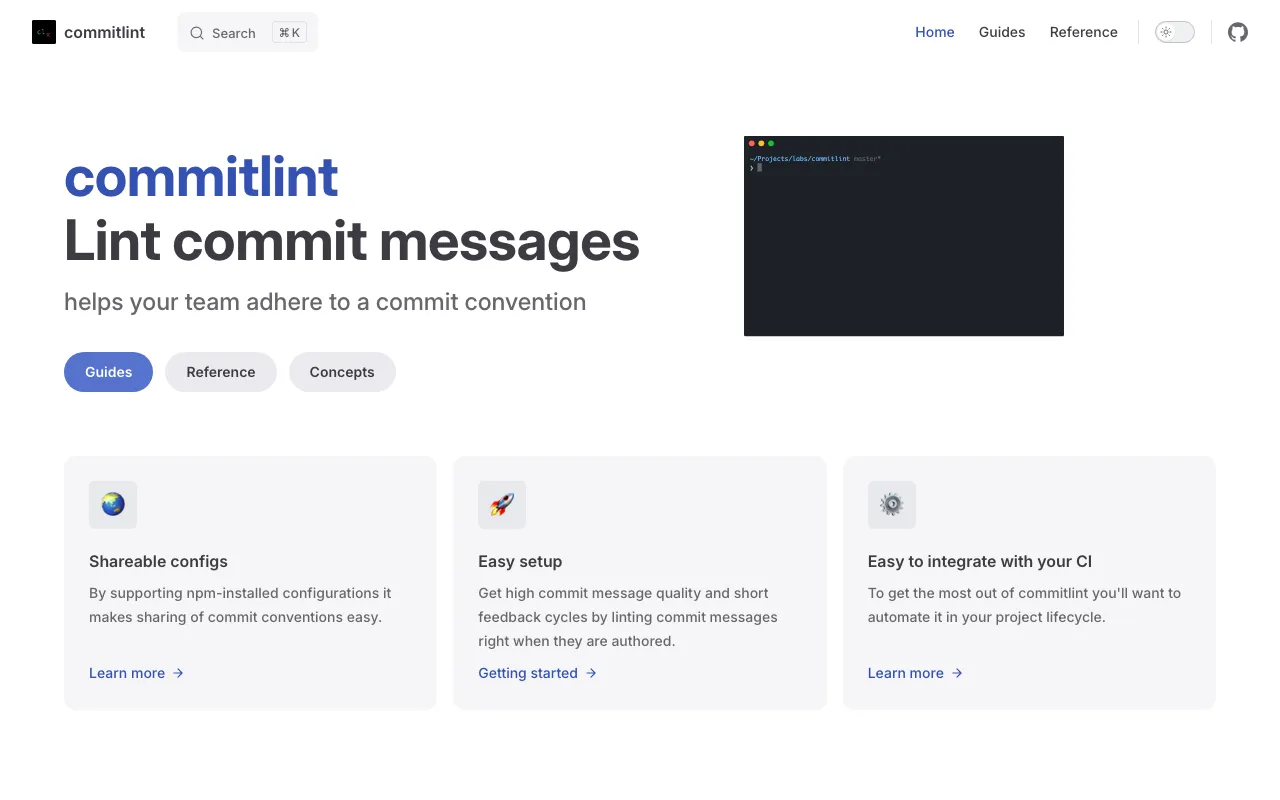
commitlint checks whether commit messages follow conventional commit rules. Teams use it locally with git hooks or in CI for consistent history.
commitlint validates git commit messages against configurable rules, with conventional commit formatting as the common pattern. Message types such as build, chore, ci, docs, feat, fix, perf, refactor, revert, style, and test appear in the default conventional preset, and teams can override types through configuration.
The primary interface is a CLI installed as a development dependency. Configuration is loaded from several supported commitlint config file names, a commitlint field in package.json, or shared npm packages that follow the commitlint-config naming pattern. Shared presets include conventional, Angular, Lerna scopes, Nx scopes, and others.
Beyond the CLI, programmatic packages format reports, lint strings, load shared config, and read commits from a range or last edit. Integrations include commitizen adapters and hooks such as husky for linting at commit time. Guides cover local setup, CI integration, rules reference, and shareable configs.
The tool ties into conventional-changelog workflows for generating changelogs from structured commit history. commitlint is stable and widely used as a development quality gate rather than a hosted service.
Terminal user interface for everyday Git workflows
Lazygit wraps common Git operations in a keyboard-driven terminal UI. You can stage partial changes, rebase, cherry-pick, and inspect history without memorizing fragile command sequences.

Self-hosted Git forge with CI/CD and packages
Gitea is an all-in-one software development service you can run on your own infrastructure. It combines Git hosting with issues, reviews, project boards, package registries, and Gitea Actions CI/CD.

Self-hosted Git service with web collaboration tools
Gogs hosts Git repositories over SSH and HTTP(S) and adds issues, pull requests, wikis, and organization features through a browser UI.
Official GitHub terminal client
GitHub CLI brings issues, pull requests, and other GitHub workflows to the terminal beside git. It works with GitHub.com, Enterprise Cloud, and supported Enterprise Server deployments.

End-to-end developer platform with SCM, CI/CD, and registries
Harness Open Source combines code hosting, automated DevOps pipelines, hosted development environments called Gitspaces, and artifact registries in one platform.
Lightweight native Git hooks for Node projects
Husky wires Git hooks so teams can lint commit messages, run tests, or check code on commit and push. It uses core.hooksPath, stays around two kilobytes gzipped, and supports macOS, Linux, and Windows.