
PowerToys
Open-source Windows desktop utility collection
Microsoft PowerToys bundles many small utilities for customizing Windows and streamlining common desktop tasks. Users install it on Windows through several package channels.

Configurable Windows 11 tuning pack for performance and privacy
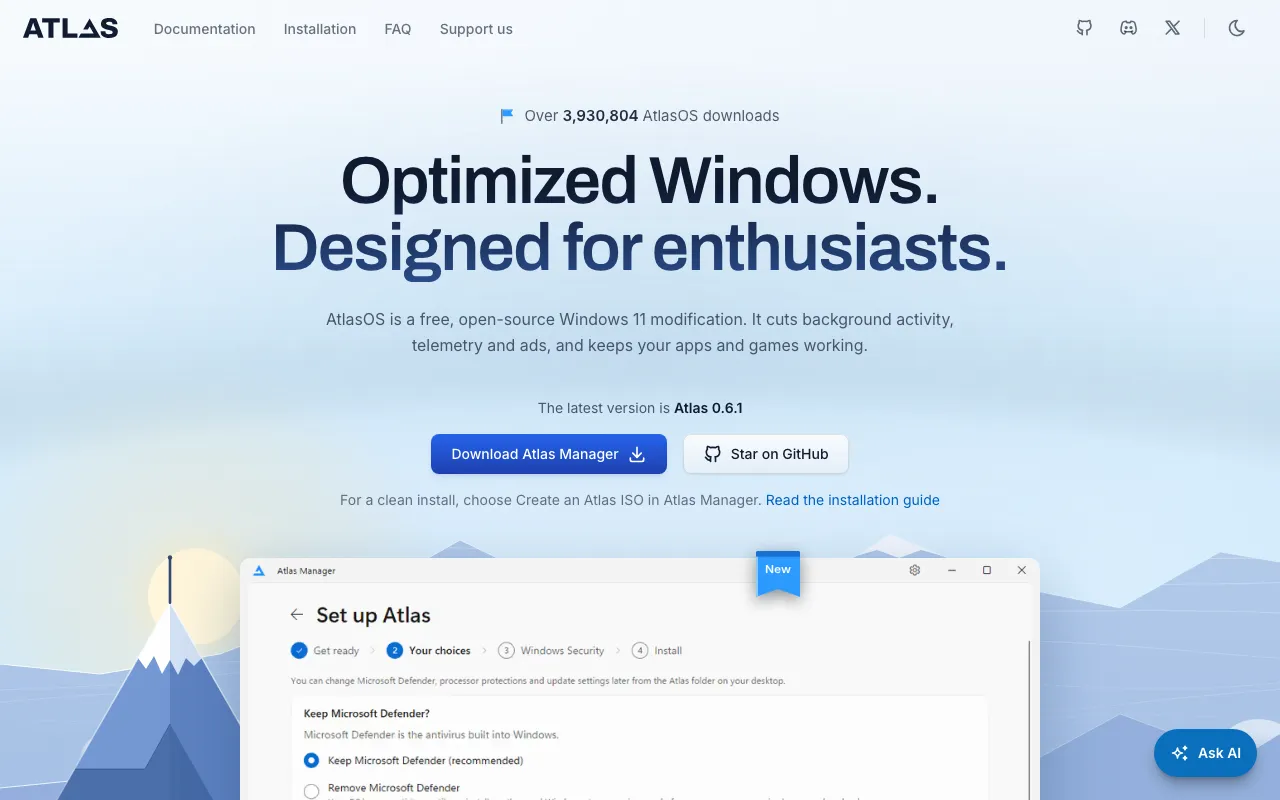
AtlasOS applies scripted privacy, performance, security, and usability tweaks to a user-owned Windows 11 install through Atlas Manager and an optional custom ISO workflow.
AtlasOS is a modification layer for supported Windows 11 Pro, Education, or Enterprise editions rather than a separate operating system image from Microsoft. Atlas Manager guides creation of installation media, applies packages after a clean or fresh Windows setup, and documents each toggle so owners can audit or reverse choices from an AtlasDesktop control folder.
Typical changes reduce telemetry and advertising, trim background services, offer optional security posture such as Defender or update policies, and adjust interface defaults while aiming to keep Store, Windows Update, and third-party apps working. Performance and battery gains vary by hardware; the project publishes benchmark claims and health-check scripts to verify what was applied.
The distributable package is inspectable as a password-protected archive of PowerShell and data files, with inventories listing binaries and licences. It does not bundle Windows itself or alter activation; reverting means reinstalling stock Windows from Microsoft media.
Community support flows through documentation, Discord, and discussion forums. Optional Atlas Toolbox is fetched separately at install time when selected.
Open-source Windows desktop utility collection
Microsoft PowerToys bundles many small utilities for customizing Windows and streamlining common desktop tasks. Users install it on Windows through several package channels.

Cross-platform 2D and 3D game engine
Godot Engine lets creators build 2D and 3D games from one editor and export to desktop, mobile, web, and console targets through publishers.

Bootable USB loader for ISO and disk images
Ventoy prepares a USB drive so you can copy ISO, WIM, IMG, VHD, and EFI files and pick them from a boot menu without reformatting for each image.

Open-source Mac and Windows cleanup CLI and apps
Mole cleans caches, uninstalls apps with leftovers, analyzes disk use, runs maintenance tasks, and shows live system stats. A free terminal tool ships alongside optional native Mac and Windows apps.
PowerShell declutter tool for Windows 10 and 11
Win11Debloat is a no-install PowerShell script that removes bundled apps, limits telemetry, and applies registry and UI tweaks on Windows 10 and 11.

Wi-Fi Android TV debloat and custom home launcher toolkit
CleanYourTV disables manufacturer bloat and telemetry on Android and Google TV over Wi-Fi, then installs a compact home launcher. Changes are reversible without root or uninstalling packages.
 CleanMyMac