
Gemini CLI
Terminal AI agent for enterprise Gemini Code Assist
Gemini CLI is an open-source command-line agent for querying and editing codebases, running shell workflows, and connecting MCP tools under Gemini Code Assist on Google Cloud.
Terminal agentic chat for Amazon Q Developer
Amazon Q Developer CLI is in maintenance mode: “This open source project is no longer being actively maintained and will only receive critical security fixes.” source
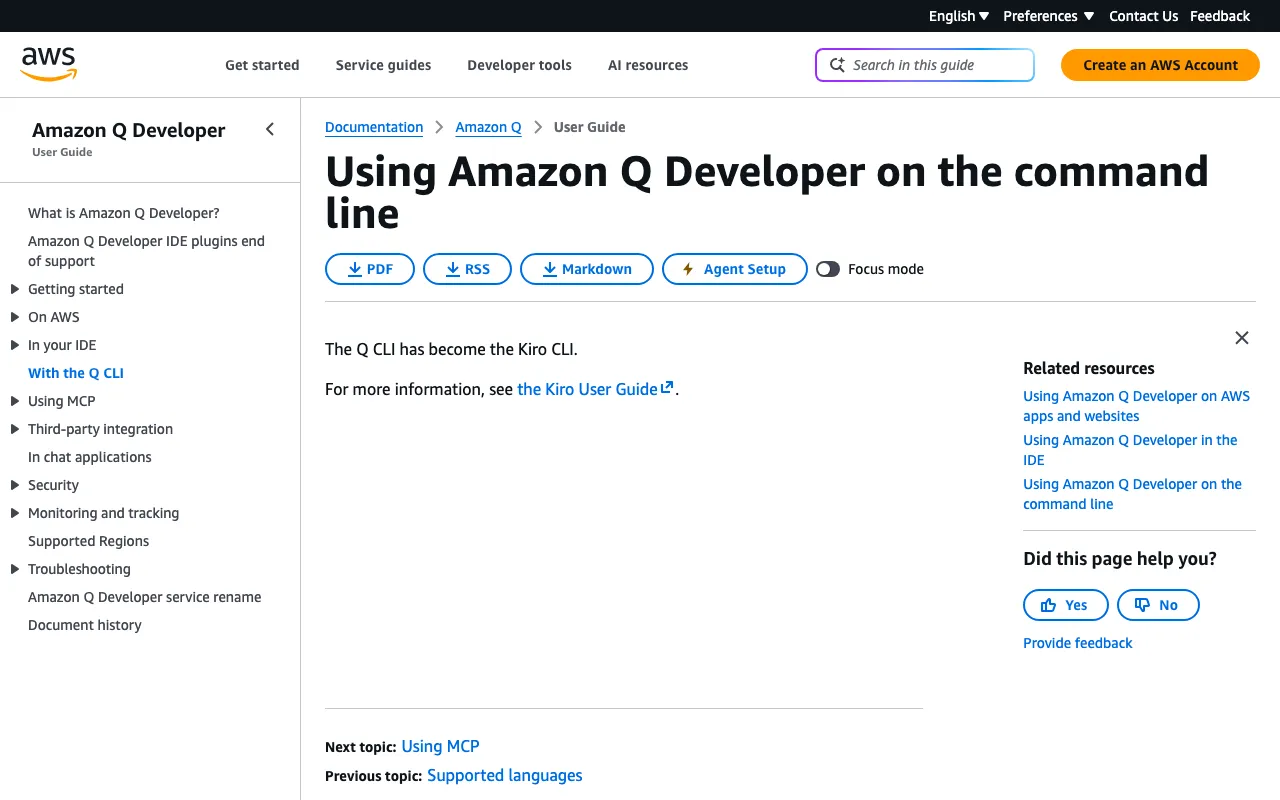
The Amazon Q CLI adds AI chat, command help, and code generation in the terminal. The open repo is in maintenance-only mode; Kiro CLI replaces it.
Amazon Q Developer CLI is a command-line client for interacting with Amazon Q Developer from the shell. Project materials describe an agentic chat experience in the terminal and the ability to work on applications using natural language, alongside autocompletion and assistance for many common CLIs in AWS documentation.
Install paths listed include Homebrew on macOS and Debian or Ubuntu packages, plus AppImage and other Linux builds. The Rust chatcli binary is the main entry point; local development uses cargo run and cargo test against the crates in the tree. Layout separates the CLI crate, shared Rust libraries, scripts, and docs.
The readme states the open source project is no longer actively maintained except for critical security fixes, and that Amazon Q Developer CLI continues as the closed-source Kiro CLI product. AWS documentation likewise notes the Q CLI has become Kiro CLI and points readers to the Kiro user guide for current features.
Licensing is dual MIT and Apache 2.0. Security concerns are directed to a dedicated project security policy rather than public issue trackers for sensitive reports.
Terminal AI agent for enterprise Gemini Code Assist
Gemini CLI is an open-source command-line agent for querying and editing codebases, running shell workflows, and connecting MCP tools under Gemini Code Assist on Google Cloud.

Terminal coding agent tuned for low-cost open models
A terminal-based coding agent aimed at inexpensive and open-weight language models. It reads and edits project files, runs sandboxed commands, and works with many model providers.
 Claude Code

Agentic development environment built around a modern terminal
Warp is an agentic development environment rooted in the terminal, with a built-in coding agent and support for external CLI agents.
Terminal runtime for long-running coding agents
Herdr is a terminal multiplexer and workspace manager built for coding agents. It keeps agent panes alive when you detach, reconnect over SSH, and coordinate work across machines.

Open-source agentic AI coding tool for terminal and beyond
Qwen Code is an agentic coding assistant you run from a terminal, editor, desktop app, browser shell, or chat channels. It edits files, runs commands, and connects to multiple model APIs and MCP servers.
Claude CodeClaude Code statusline for session visibility
Plugin that renders a customizable HUD under the Claude Code prompt showing model, context usage, rate limits, tools, agents, and todos. Configured via slash commands and a JSON settings file.